VRR Flicker on OLED Displays: Causes, Fixes, and Mitigation Strategies
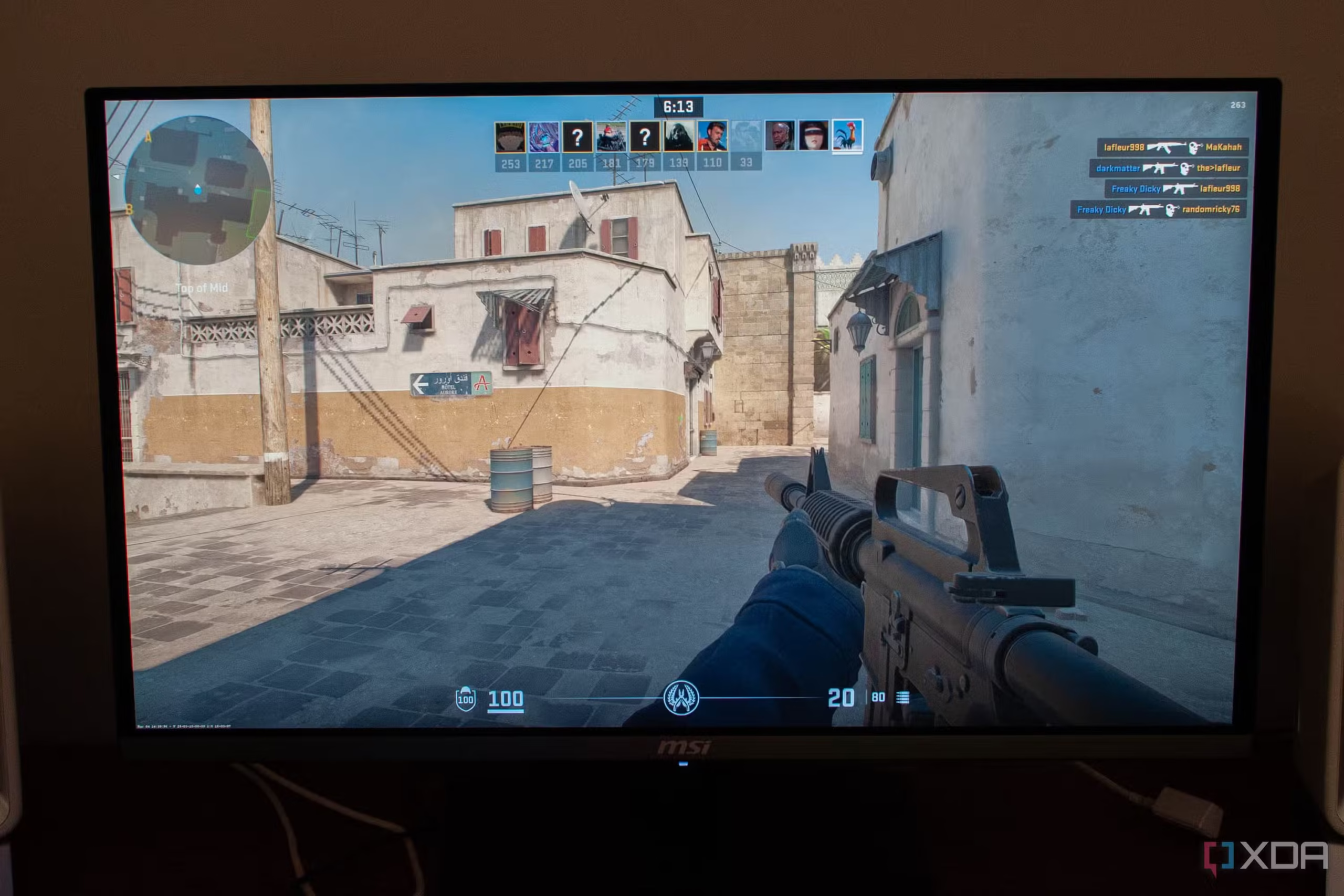
The Annoying Flicker You Can’t Ignore
If you’ve invested a significant amount of your hard-earned money in an OLED monitor or TV—and you’re a gamer—you may have encountered one of the panel technology’s most frustrating drawbacks: flickering, particularly in darker areas of the screen. This phenomenon, known as Variable Refresh Rate (VRR) flicker, is not unique to OLEDs, but it is especially pronounced on these panels.
The problem is most evident during gaming because games are subject to large, sudden jumps in frame rate. While VRR is designed to smooth out these fluctuations by matching your display’s refresh rate to your graphics card’s output, the technology can inadvertently cause visual pulsing, particularly on OLED and VA panels.
This guide explains exactly what causes VRR flicker, why it’s more common on OLED displays, and offers practical steps to reduce or eliminate it—from software tweaks to hardware upgrades.
What Is VRR Flicker and Why Does It Happen?
VRR Explained
| Feature | Description |
|---|---|
| VRR | Variable Refresh Rate (e.g., AMD FreeSync, Nvidia G-Sync). |
| Purpose | Matches your display’s refresh rate to your GPU’s frame output. |
| Benefit | Reduces screen tearing, stuttering, and artifacts. |
| Side Effect | Can cause brightness/gamma fluctuations—especially on OLED and VA panels. |
Why OLED Panels Are More Susceptible
On some panels—notably OLED and VA—changing the refresh interval can shift:
| Variable Affected | Impact |
|---|---|
| Voltage | Alters pixel brightness and response. |
| Gamma | Changes the relationship between brightness and pixel values. |
| Near-Black Levels | Dark areas can become unstable, leading to pulsing. |
The result? Rapid pulsing or flickering, especially in dark scenes or when frame rates fluctuate significantly. Larger frame-time swings lead to more noticeable, distracting flicker.
Software Fixes: Reducing VRR Flicker Without New Hardware
While there’s no comprehensive fix for VRR flicker, several software-based approaches can significantly mitigate the issue.
Method 1: Implement a Frame Rate Cap
One of the most effective software solutions is to cap your frame rate. By limiting the maximum number of frames your GPU renders, you can reduce massive, rapid variations in frame rates—which are a primary cause of VRR flicker.
How to Cap Frame Rate
Option A: In-Game Settings
-
Many games include a maximum frame rate setting in their graphics or video menus.
-
Set this to a value slightly below your monitor’s maximum refresh rate.
Option B: Nvidia Control Panel (System-Wide)
-
Open the Nvidia Control Panel (right-click on your desktop).
-
Navigate to Manage 3D Settings.
-
Look for Max Frame Rate.
-
Toggle it ON and use the slider to set a value:
-
Example: If your monitor supports 144Hz, try setting it to 120 FPS or 140 FPS.
-
-
Apply the settings and test the effect on flicker.
Option C: AMD Adrenalin Software
-
Open AMD Adrenalin > Gaming > Global Display > Frame Rate Target Control.
-
Set a target value and apply.
Hardware Solutions: Upgrading for Consistent Performance
If software tweaks aren’t enough, hardware improvements can help ensure consistently high frame rates, effectively reducing or eliminating VRR flicker.
What to Upgrade
| Component | Why It Matters |
|---|---|
| GPU | The most impactful upgrade. A more powerful GPU delivers higher, more stable frame rates. |
| CPU | Prevents bottlenecks that cause frame-time spikes. |
| RAM | Faster or more RAM can improve game performance and reduce stutters. |
| Storage | Move games to an SSD (Solid State Drive) for faster load times and smoother performance. |
Pro Tip: A more powerful GPU is the single best upgrade for reducing VRR flicker. However, improving your CPU and RAM can also have a dramatic effect on frame rate stability.
Firmware Updates: Don’t Overlook This
One of the simplest steps you can take is to ensure your OLED display’s firmware is up to date. Manufacturers often release firmware updates that:
-
Improve VRR handling.
-
Reduce gamma and voltage fluctuations.
-
Address known flicker issues.
How to Check:
-
Visit your monitor manufacturer’s support website.
-
Look for firmware updates specific to your model.
-
Follow the instructions to update your display’s firmware.
Note: Some manufacturers, like Asus, have introduced anti-flicker technology built directly into their hardware. If you’re in the market for a new display, consider models that include these features.
Quick Reference Summary Table
| Fix Type | Method | Effectiveness | Cost |
|---|---|---|---|
| Software | In-game frame cap | Moderate | Free |
| Software | Nvidia/AMD frame cap | Moderate | Free |
| Software | Firmware update | Moderate to High | Free |
| Hardware | GPU upgrade | High | $$$ |
| Hardware | CPU/RAM upgrade | Moderate | $$ |
| Hardware | SSD upgrade | Moderate | $ |
| Manufacturer | Anti-flicker hardware | High | $$$$ |
Troubleshooting: What to Do If Flicker Persists
| Issue | Possible Solution |
|---|---|
| Flicker in dark scenes only | Lower your frame cap slightly to stabilize refresh rates. |
| Flicker when VRR is enabled | Test with VRR disabled temporarily to confirm it’s the cause. |
| Flicker after driver update | Roll back to a previous driver version. |
| Flicker on specific games | Cap frame rates per game using Nvidia Profile Inspector or AMD settings. |
| Hardware upgrade not possible | Reduce graphics settings to stabilize frame rates. |
Frequently Asked Questions
What causes VRR flicker on OLED monitors?
VRR flicker is caused by large fluctuations in frame rate. On OLED and VA panels, these fluctuations can shift voltage, gamma, and near-black levels, resulting in visible pulsing or flickering.
Can I fix VRR flicker entirely?
There is no comprehensive fix that eliminates VRR flicker on all displays. However, you can significantly reduce it using frame rate caps, firmware updates, or hardware upgrades.
Does G-Sync or FreeSync cause flicker?
Yes. Both G-Sync and FreeSync are VRR technologies that can trigger flicker on OLED and VA panels, particularly when frame rates fluctuate rapidly.
Is VRR flicker permanent?
No. Flicker is a behavior, not a permanent defect. It can often be reduced or eliminated with the right settings or hardware.
Do all OLED monitors have VRR flicker?
Not all, but many do—especially older models or those without anti-flicker technology. Newer models from brands like Asus, LG, and Samsung often include improved VRR handling.
Final Thoughts: Managing VRR Flicker on Your OLED Display
VRR flicker on OLED displays is one of the few disadvantages of this otherwise incredible panel technology. Fortunately, there are several steps you can take to reduce its impact—from simple software tweaks like frame rate caps to more substantial hardware upgrades.
Start with the free fixes: Cap your frame rate, update your firmware, and experiment with in-game settings. If flicker persists, consider upgrading your GPU or investing in a monitor with anti-flicker hardware built in.
Bottom Line: VRR flicker doesn’t have to ruin your gaming experience. With the right approach, you can enjoy all the benefits of OLED and VRR with minimal distractions.