

Understanding and Fixing HomePod Mini Error -6753
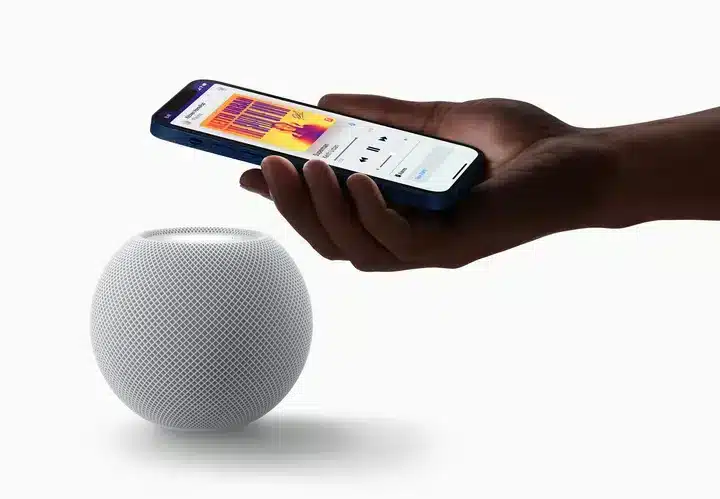
HomePod Mini Error -6753 is a setup failure that occurs when the speaker cannot complete its initial configuration handshake with your iPhone, Wi-Fi network, iCloud, and power source. This guide provides a systematic approach to diagnosing and resolving the issue.
Core Issue: The Setup Handshake Failed
The error indicates that one or more of these four essential components is misaligned during the critical setup phase:
-
Your iPhone or iPad (the setup device).
-
Your Wi-Fi network (stability and configuration).
-
Your Apple ID and iCloud settings (authentication and sync).
-
A sufficient power source for the HomePod Mini.
Step 1: Perform Foundational Checks
Begin with these essential prerequisites before advanced troubleshooting.
-
Update Your Device: Ensure your iPhone or iPad is running iOS/iPadOS 16.3 or later.
-
Stabilize Your Wi-Fi: Your phone must be connected to a stable, standard 2.4GHz/5GHz Wi-Fi network (not a personal hotspot). Ensure all bands on your router use the same network name (SSID).
-
Use the Official Power Adapter: The HomePod Mini requires its included 20W USB-C power adapter (9V/2.22A). Low-power chargers or laptop USB ports often cause this error.
Step 2: Reset the HomePod Mini
If basic checks fail, perform a complete reset.
-
In the Home app, select your HomePod Mini, go to Settings > Reset HomePod.
-
Choose Remove Accessory.
-
Unplug the speaker for 10 seconds, then plug it back in.
-
When the pulsing white light appears, bring your iPhone close to start a new setup.
Step 3: Verify Critical iCloud and System Settings
Ensure these often-overlooked settings are correctly configured on your iPhone/iPad:
-
Bluetooth is enabled.
-
Two-Factor Authentication is active for your Apple ID.
-
iCloud Keychain is turned on (Settings > [Your Name] > iCloud > Passwords & Keychain).
-
You are signed into the same Apple ID set as the home owner in the Home app.
Step 4: Address a Corrupted Home Database
If setup freezes on “Loading Accessories and Scenes,” your Home database may be corrupted.
-
You may need to reset your home in the Home app (Settings > Home Settings > Remove Home). Note: This requires re-adding all accessories afterward.
Step 5: Final Steps and Seeking Support
If the error persists:
-
Check Apple’s System Status page for any iCloud or HomeKit outages.
-
Ensure your Wi-Fi router’s firmware is updated.
-
As a final step, contact Apple Support, as the issue may indicate a rare hardware defect.
Conclusion
Error -6753 is resolved by methodically verifying the four pillars of setup: device software, network integrity, power, and iCloud configuration. Following these steps in sequence will typically allow your HomePod Mini to complete its setup successfully.


