HomePod Mini Error -6753: Meaning and Resolution

HomePod Mini Error -6753 indicates a failure during the initial setup handshake between the speaker, your iPhone, your Wi-Fi network, and iCloud. This guide provides a systematic approach to resolve the error and complete the configuration.
Primary Causes
The error typically occurs when one or more of these essential components are misaligned:
-
The iPhone or iPad running the setup.
-
The Wi-Fi network and its stability.
-
The Apple ID and iCloud settings.
-
A sufficient power source for the HomePod Mini.
Step-by-Step Troubleshooting
Follow these steps in order:
1. Perform Basic Checks
-
Update Your iPhone/iPad: Ensure your device is running iOS/iPadOS 16.3 or later.
-
Verify Wi-Fi: Your phone must be on a stable, standard Wi-Fi network (not a personal hotspot). Ensure all router bands share the same network name (SSID).
-
Use the Correct Power Adapter: The HomePod Mini requires a 20W (9V/2.22A) USB-C power adapter. An underpowered source is a common cause of setup failure.
2. Reset the HomePod Mini
If basic checks fail, perform a full reset.
-
In the Home app, select your HomePod Mini, go to its Settings, and choose Reset HomePod > Remove Accessory.
-
Unplug the speaker for 10 seconds, then plug it back in.
-
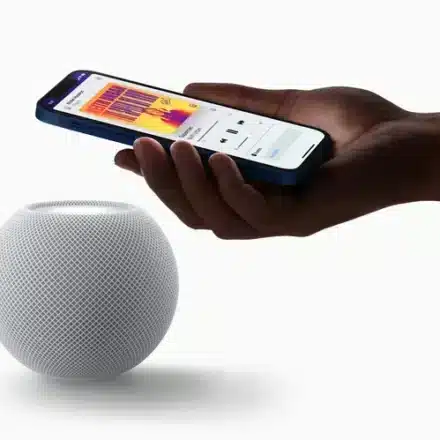
When a pulsing white light appears, bring your iPhone close to begin setup anew.
3. Review Critical iCloud Settings
On your iPhone or iPad, ensure the following are enabled:
-
Bluetooth
-
Two-Factor Authentication for your Apple ID.
-
iCloud Keychain (Settings > [Your Name] > iCloud > Passwords & Keychain).
-
You are signed into the same Apple ID designated as the home owner in the Home app.
4. Address a Stuck Home Configuration
If setup freezes on “Loading Accessories and Scenes,” the home database may be corrupted. You may need to reset the home in the Home app (Settings > Home Settings > Remove Home). This requires re-adding all accessories afterward.
5. Final Steps and Support
If the error persists:
-
Check Apple’s System Status page for iCloud outages.
-
Ensure your Wi-Fi router firmware is updated.
-
As a last resort, contact Apple Support, as the issue may indicate a hardware defect.
Conclusion
Error -6753 is a setup interruption that is resolved by methodically verifying device software, network stability, power supply, and iCloud settings. Proceeding through each check sequentially will typically allow the HomePod Mini to complete its configuration successfully.