What Is a QR Code? Complete Guide for Beginners
QR Codes: Your Digital Window to the Physical World
Everyday life has become a living QR code network. From restaurant menus that instantly share recipes via a phone scan to loyalty cards embedded in magazines, these tiny square patterns are transforming simple paper into interactive portals. At their core, QR codes—short for Quick Response codes—are two-dimensional barcodes designed to bridge the gap between the offline world we see and touch, and the online experience our devices provide. Understanding what they are and how they function opens the door to leveraging this ubiquitous technology for personal projects, business growth, and everyday convenience.
What Is a QR Code?
A QR code is a compact, scannable matrix barcode that encodes information in a grid of black and white modules. Unlike traditional one-dimensional barcodes that store limited data along a single line, QR codes use a two-dimensional arrangement allowing far greater capacity and richer data types. The name itself reveals its purpose: “Quick Response” was coined because these codes were initially developed for automotive inventory management in Japan during the early 1990s, where fast scanning of product IDs was essential. Today, QR codes power everything from mobile payments and ticket systems to contactless menus and public art installations.
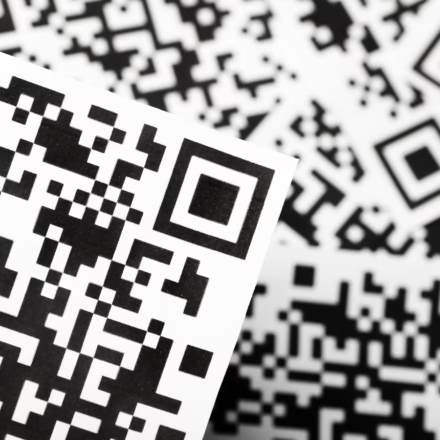
The visual structure consists of three horizontal bars dividing the code into columns, while vertical alignment bars connect the rows. Between these structural elements lie thousands of micro-modules—small squares of varying colors—that represent encoded bits of data. When scanned, the smartphone’s processor interprets these patterns using built-in cameras and image-processing algorithms, converting the visual representation back into readable text, URLs, or other digital payloads. This elegant conversion mechanism is what makes QR codes such a versatile tool across industries.
How QR Codes Work
The Encoding Process
Creating a functional QR code begins with deciding what information needs to be stored. This could be a simple web address (like www.example.com), a long string of alphanumeric characters, text, contact details, or even binary files. The encoder takes this raw data and maps it onto the QR code’s matrix through a sophisticated algorithm that ensures error tolerance and efficient packing. Error correction levels—typically Low, Medium, High, or Ultimate—determine how much damage the code can survive before becoming unreadable, making QR codes resilient against minor scratches, dirt, or misalignment.
Once encoded, the resulting QR code is rendered as an image file. The dimensions depend on the amount of data; standard sizes often range from 2×2 inches for high-capacity codes to smaller versions for quick scans. Regardless of scale, the critical factor remains clear contrast between dark modules and light background, which allows the scanner to distinguish the pattern accurately. Modern mobile operating systems include native support for QR scanning, meaning users simply point their camera at the code and wait for instant recognition.
- Smartphone cameras capture the QR image and apply edge-detection algorithms to locate the three finder patterns (the three large square corners)
- Image-processing software normalizes brightness and sharpens the pattern for reliable decoding
- The decoder reads binary values from the module grid, reconstructing the original encoded data
- If error correction is needed, the system recovers damaged modules automatically, presenting a clean version of the code
Why Businesses Love QR Codes
The appeal of QR codes extends beyond individual curiosity—they serve as strategic assets for companies seeking to enhance customer engagement and drive conversions. By embedding a QR code on packaging, signage, or promotional materials, brands offer shoppers an effortless path to their websites, social media profiles, or product catalogs without requiring manual input of lengthy URLs. This frictionless interaction increases brand visibility and creates memorable touchpoints that reinforce recall during moments of impulse decision-making.
Beyond marketing, QR codes enable new forms of commerce and operational efficiency. Payment apps integrate QR stickers that customers can hold up to terminals for contactless transactions, eliminating the need for cash or card swiping. Event organizers distribute QR-based ticketing, reducing queue times and providing real-time crowd monitoring capabilities. Restaurants place QR menus on tables, letting diners view full menus, dietary options, and reservation details entirely on their phones. These practical applications demonstrate how accessible yet powerful QR technology can be when deployed thoughtfully.
- Mobile-first consumers expect instant access to digital experiences, making QR codes a natural fit for modern UX design.
- Physical interactions become digitized, opening doors for seamless omnichannel retail strategies.
- Data collection becomes streamlined through QR-linked surveys, feedback forms, and analytics tracking.
Best Practices for Creating & Scanning QR Codes
Essential Tips for Optimal Performance
- Ensure sufficient contrast between the dark modules and white background—avoid cluttered backgrounds that reduce readability
- Maintain a minimum module size so that scanned devices can reliably detect the finder patterns; very small or blurry codes often fail to decode
- Place QR codes at eye level and avoid glare from sunlight or glossy surfaces that distort the image
- Test your codes with multiple devices and different lighting conditions before printing mass quantities
- Keep a consistent color scheme—most successful implementations use black-on-white for maximum clarity
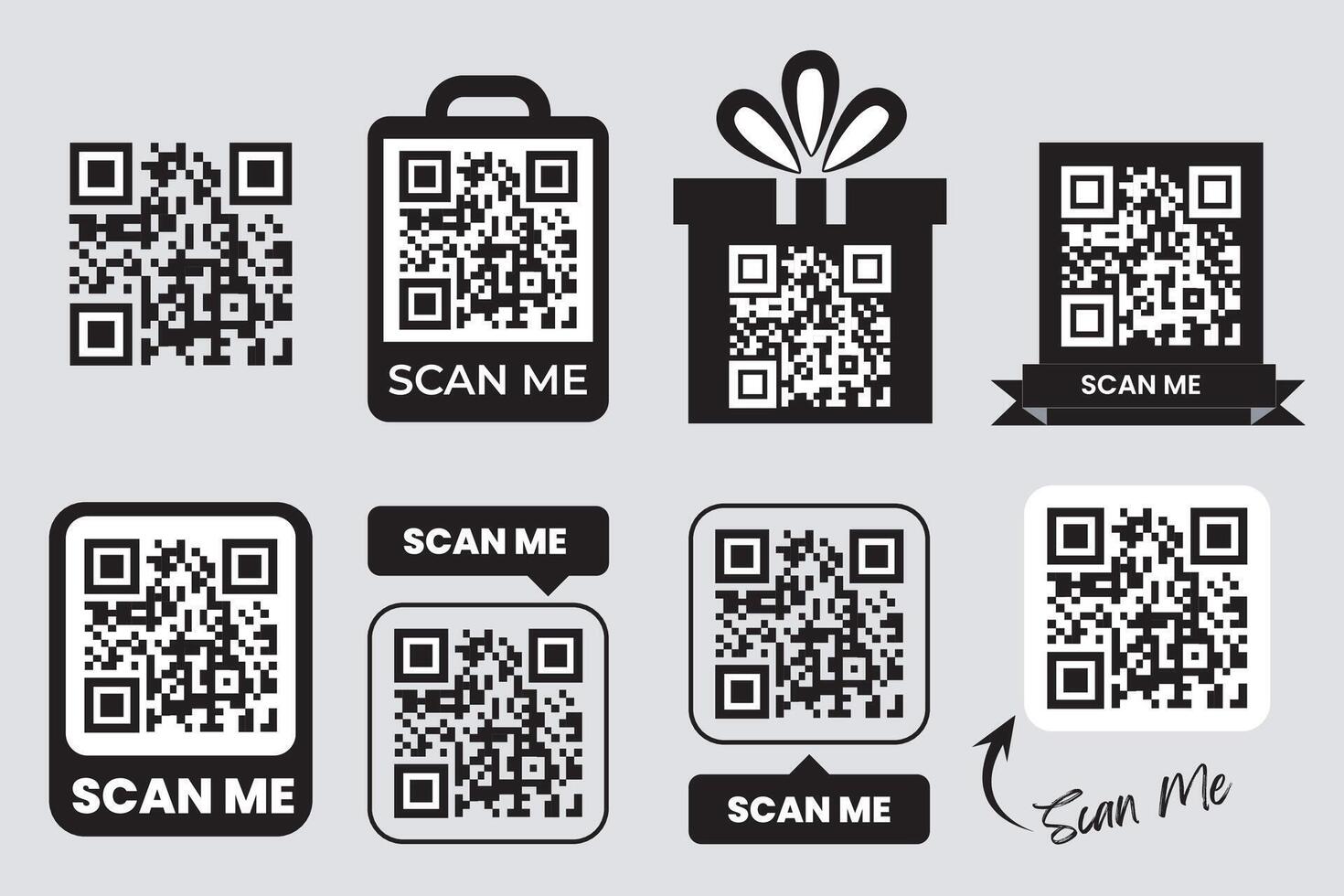
- When possible, add a small border or frame around the code to prevent accidental cropping during automated generation
Common Mistakes and Things to Know
Pitfalls to Avoid
One frequent mistake is underestimating error correction. Many generators produce QR codes without enabling high-level error correction, leaving the code vulnerable to damage. Another error involves placing codes too close together or overlapping other graphics, which breaks the scanning algorithm’s ability to locate the finder patterns. Users should also verify that the generated QR code matches the intended destination—mismatched URLs lead to frustration and wasted scan attempts.
Additionally, some people assume all QR codes are secure. While most are harmless, malicious actors can embed phishing links or exploit vulnerabilities in poorly implemented apps. It is wise to always validate scanned destinations before clicking, especially when handling sensitive information like payment details. Finally, remember that QR codes cannot transmit encrypted data—they merely carry plaintext information, so security concerns remain largely on the recipient side.
FAQ: Understanding QR Codes
Frequently Asked Questions
-
- How does a smartphone read a QR code?
The camera uses advanced image-recognition software to decode the pattern of black and white squares into text, URLs, or other data. Once the code is detected, the phone’s processor converts the visual matrix back into usable information, displaying a webpage, contact info, or performing a transaction depending on what was encoded.
- How does a smartphone read a QR code?
-
- What data can a QR code contain?
QR codes store URLs, text, email addresses, phone numbers, Wi‑Fi credentials, payment information, and app store links. Because of their capacity, they can hold hundreds of characters or complex objects like login sessions (when combined with NFC). This versatility makes them ideal for marketing campaigns, ticketing systems, and IoT device pairing.
- What data can a QR code contain?
- Are QR codes safe to scan?
Generally yes—modern QR codes are safe and widely used for legitimate purposes. However, caution is advised when scanning codes from unknown sources, as malicious ones can redirect to phishing sites or attempt to install malware. Always verify the origin of the code and trust only reputable links before opening them.
FAQ
How does a smartphone read a QR code?
The camera uses advanced image-recognition software to decode the pattern of black and white squares into text, URLs, or other data. Once the code is detected, the phone’s processor converts the visual matrix back into usable information, displaying a webpage, contact info, or performing a transaction depending on what was encoded.
What data can a QR code contain?
QR codes store URLs, text, email addresses, phone numbers, Wi‑Fi credentials, payment information, and app store links. Because of their capacity, they can hold hundreds of characters or complex objects like login sessions (when combined with NFC). This versatility makes them ideal for marketing campaigns, ticketing systems, and IoT device pairing.
Are QR codes safe to scan?
Generally yes—modern QR codes are safe and widely used for legitimate purposes. However, caution is advised when scanning codes from unknown sources, as malicious ones can redirect to phishing sites or attempt to install malware. Always verify the origin of the code and trust only reputable links before opening them.
Read the full guide: How to Create a QR Code: A Complete Guide (2026)