How to Create a QR Code: A Complete Guide (2026)
QR codes are practically wallpapering the world, from your local cafe’s menu to flyers at your health club. They’re powerful marketing tools. Whether you’re promoting a puppy rescue or just trying to Rickroll folks for a stunt, this guide will help you crank out QR codes left and right.
What Is a QR Code?
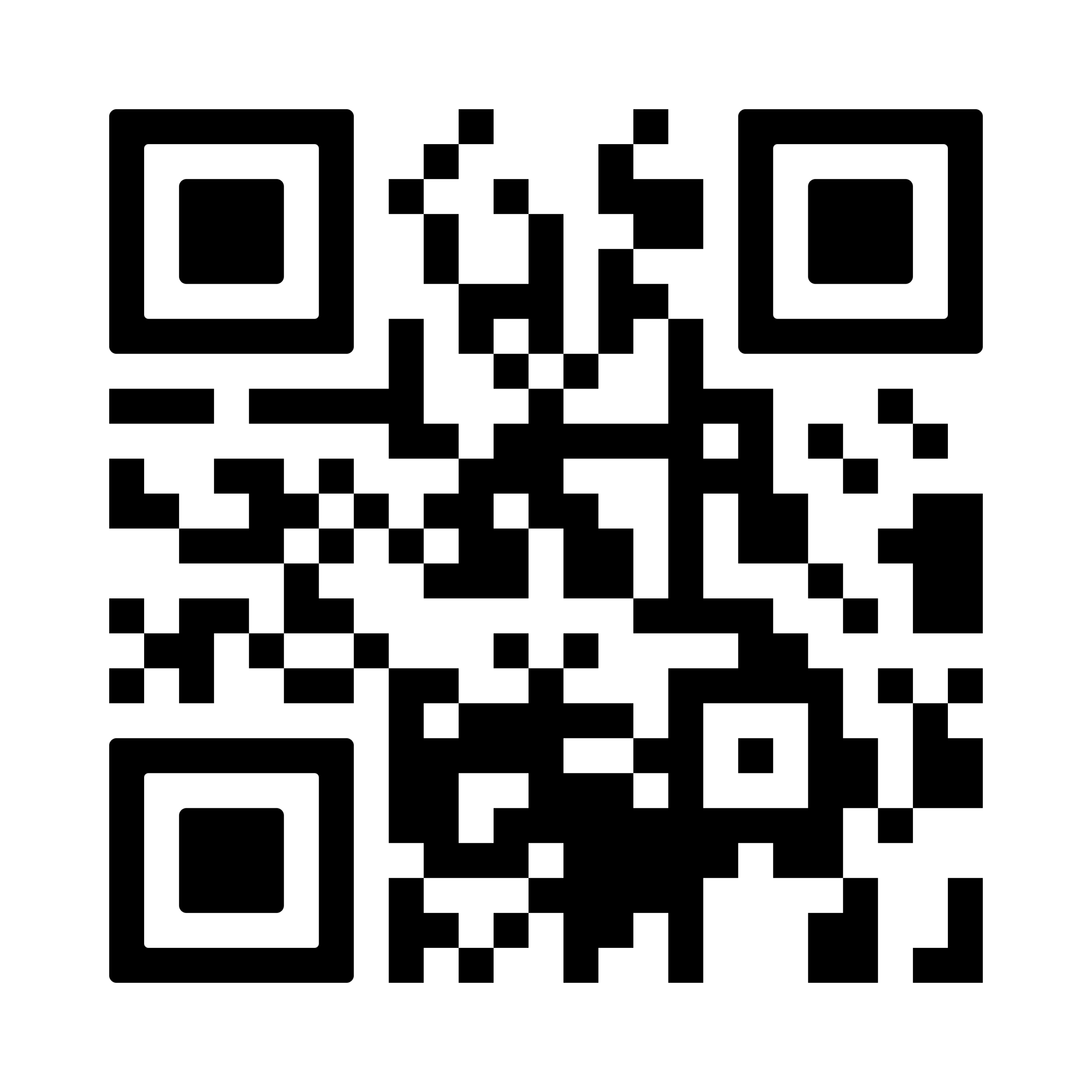
A QR code (Quick Response code) is a type of barcode that stores data in a grid of black and white squares. You scan it with your smartphone camera, tap the link, and you’re brought directly to a website without typing a long URL. Think of it as a digital teleportation device.
QR Code vs. Barcode: Key Differences
| Feature | Barcode | QR Code |
|---|---|---|
| Structure | 1D (vertical lines) | 2D (square grid) |
| Data capacity | ~8–25 characters | Up to ~7,000 characters |
| Scan method | Dedicated reader, specific angle | Smartphone camera, any orientation |
| Best for | Inventory, retail POS, shipping | Getting users from physical to digital destinations |
How to Create a QR Code in Canva
-
Go to canva.com and log in (free account works).
-
Click Create a design → choose dimensions (e.g., Poster, Flyer, or custom).
-
In the left panel, click Elements → search for “QR Code”.
-
A window appears – enter the URL you want to link to → click Generate.
-
Drag and drop the QR code into your design. Resize by dragging corners.
-
Add text, images, or shapes to complement the QR code.
How to Create a QR Code in Adobe Express
-
Go to Adobe Express QR code creator (free, no account required).
-
Paste your URL into the field → click Generate QR code.
-
Optionally change style and color.
-
Click Download to save the file, or Open in Adobe Express for further design.
How to Create a QR Code on Chrome (Desktop)
-
Open Chrome and navigate to the webpage you want to link.
-
Click the three dots menu (⋮) in the top-right corner.
-
Select Cast, Save, and Share → Create QR Code.
-
A pop‑up appears – copy or download the QR code.
How to Create a QR Code on Chrome (Mobile)
iPhone:
-
Open Chrome and go to the webpage.
-
Tap the Share icon in the address bar.
-
Tap Create a QR Code (if not visible, tap View More first).
-
Tap Share to send it.
Android:
-
Go to the URL.
-
Tap the three dots in the address bar → Share → QR Code.
How to Create a QR Code Using a Free Online Generator
-
Uniqode – dynamic QR codes for campaigns.
-
QRCode Monkey – custom colors and logo integration.
-
QR-Code-Generator (Bitly‑powered) – includes performance tracking.
QR Code Best Practices
| Practice | Why |
|---|---|
| Put QR codes in visible, scannable spots | Business cards, storefront windows, product labels – avoid corners or glare. |
| Make the landing page mobile‑friendly | QR codes are scanned on phones; slow or unoptimized pages cause bounces. |
| Customize with branding | Add your logo and brand colors to look intentional. |
| Use UTM parameters | Track scans, timing, and placement performance. |
Automate QR Codes with Zapier
Creating dozens of unique QR codes manually is tedious. With Zapier, you can automate the process. For example, when someone registers for an event, you can automatically generate a personalized QR code and email it to them. Use pre‑made templates or build your own workflow.
Summary Table: QR Code Creation Methods
| Method | Best For | Cost |
|---|---|---|
| Canva | Embedding in posters, flyers, business cards | Free (with account) |
| Adobe Express | Quick standalone QR codes | Free (no account needed) |
| Chrome (desktop) | Instant QR from any webpage | Free |
| Chrome (mobile) | On‑the‑go sharing | Free |
| Dedicated generators | Dynamic codes, tracking, customization | Free / paid tiers |
Conclusion
Creating a QR code is simple and free using tools like Canva, Adobe Express, or Chrome itself. For advanced needs (branding, tracking, automation), use dedicated generators or Zapier workflows. Always test your QR code before printing and ensure the landing page is mobile‑friendly.
If you are looking for how to create a QR code for free, read: QR Code vs Barcode: Key Differences Explained
If you are looking for QR code vs barcode what is the difference, read: Make a QR Code in Canva: Step-by-Step Tutorial
If you are looking for how to create a QR code for free, read: QR Code vs Barcode: Key Differences Explained
If you are looking for QR code vs barcode what is the difference, read: Make a QR Code in Canva: Step-by-Step Tutorial
If you are looking for how to make QR code in Canva, read: What Is a QR Code? Complete Guide for Beginners
If you are looking for what is a QR code and how does it work, read: QR Code Design Best Practices for Marketing Success