Sony TV Firmware Fix: Dolby Vision and HDMI Audio Issues Addressed
Sony Finally Addresses Firmware Problems
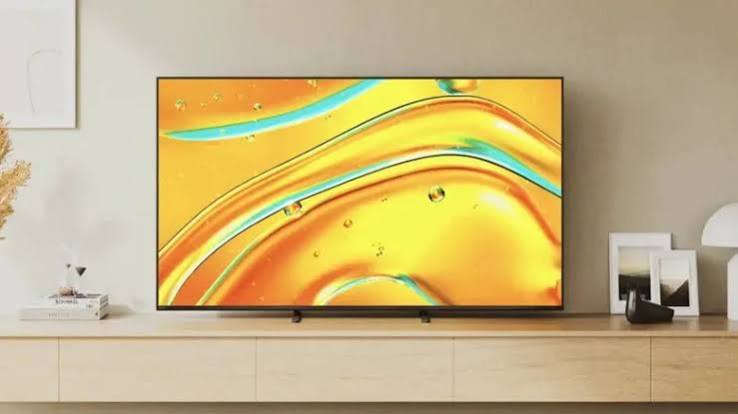
Sony owners, if you’ve been experiencing issues with Dolby Vision or HDMI audio, the company is now releasing a fix. Affecting a variety of Sony TVs—primarily from the Bravia lineup—the issue stemmed from a faulty firmware update.
At first, Sony failed to make any statements concerning the problem, but it’s now releasing a new firmware update that may fix some problems while introducing new ones.
Which Sony TVs Are Affected?
The issues were originally found in the v114.603.050.1 and v114.602.080.1 firmware updates. Sony televisions with the MediaTek Pentonic 1000 chipset may have had problems with their Enhanced Audio Return Channel (eARC).
| Affected Model | Chipset |
|---|---|
| Bravia 5 | MediaTek Pentonic 1000 |
| Bravia 7 II | MediaTek Pentonic 1000 |
| Bravia 7 | MediaTek Pentonic 1000 |
| Bravia 8 II | MediaTek Pentonic 1000 |
| Bravia 8 | MediaTek Pentonic 1000 |
| Bravia 9 | MediaTek Pentonic 1000 |
| Bravia 9 II | MediaTek Pentonic 1000 |
| Sony A95L | MediaTek Pentonic 1000 |
The Common Thread: The issue primarily lies in televisions that rely on the Pentonic 1000 chip alongside Android 14.
What Was the Problem?
According to users online, the problem would be with streaming content from external media sources, such as an external soundbar.
Reported Symptoms
| Symptom | Details |
|---|---|
| Audio Desync | Audio doesn’t sync properly with video |
| Dolby Vision Black Screen | Black screen when playing Dolby Vision content |
| HDMI eARC Dropouts | Audio drops out during playback |
| Scan Lines | Scan lines appear with Dolby Vision content |
User Reports: At the start of September, users across the internet (especially on Reddit) began complaining about audio problems with their Sony televisions, with one user saying the problem started in June.
One user noted that while they had perfect syncing with native Android TV apps, the audio desynced after moving to a device that required an HDMI connection. Other users also reported delays and lag.
Root Cause: Reports suggest the issue may stem from Sony TVs moving from Android 12 to Android 14.
The New Firmware Update
While Sony may have been asleep at the wheel in responding, the company has now released firmware v114.602.170.1 to address user issues.
| Fix | Status |
|---|---|
| Audio Sync Issues | ✅ Addressed |
| Dolby Vision Black Screen | ✅ Addressed |
| HDMI eARC Dropouts | ⚠️ May still occur |
| Dolby Vision Scan Lines | ⚠️ May still occur |
The Bottom Line: If you find audio isn’t syncing properly or you’re getting a black screen with Dolby Vision, this firmware update may be for you. However, some users may experience entirely new bugs.
How to Update Your Sony TV
Here are the steps to update your Sony TV firmware:
-
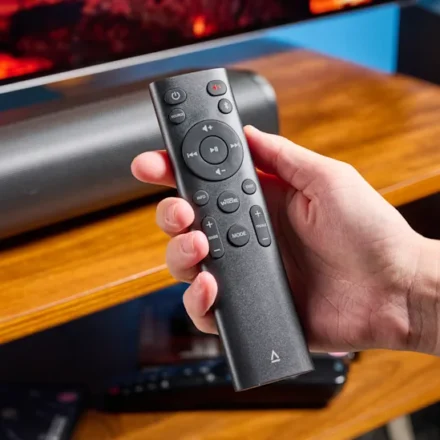
From your remote control, press Help.
-
Choose System software update from the Help menu.
-
Select either Software update or Check for a system software update.
-
Follow the on-screen instructions if one is available.
Pro Tip: Users may want to update their Sony TV firmware to ensure they’re running the latest software, even if they haven’t experienced issues yet.
What Issues Remain?
While the latest firmware update addresses syncing and Dolby Vision issues, some users still report:
| Remaining Issue | Details |
|---|---|
| Scan Lines with Dolby Vision | Still present for some users |
| HDMI eARC Dropouts | May still occur during playback |
| New Bugs | Some users experience entirely new issues |
The Takeaway: Though some problems have been addressed, users may need to keep their eyes peeled if they continue experiencing issues.
Sony’s Response and Criticism
Given the high cost of certain Bravia models (and Sony’s reputation for customer satisfaction), it’s surprising that the company has been asleep at the wheel on this issue.
| Aspect | Details |
|---|---|
| Initial Response | Sony failed to make any statements |
| Public Comment | Only through its Japanese support website |
| Firmware Fix | Released in September 2026 |
| Additional Updates | June update for older TVs to improve audio connections |
Ongoing Changes: Sony is also making major changes to its TVs, including changes to the TV Guide feature that many users may find disappointing.
Comparison Table: Affected Models and Issues
| Model | Chipset | Audio Sync | Dolby Vision | eARC Dropouts |
|---|---|---|---|---|
| Bravia 5 | Pentonic 1000 | ✅ Fixed | ✅ Fixed | ⚠️ May occur |
| Bravia 7 | Pentonic 1000 | ✅ Fixed | ✅ Fixed | ⚠️ May occur |
| Bravia 7 II | Pentonic 1000 | ✅ Fixed | ✅ Fixed | ⚠️ May occur |
| Bravia 8 | Pentonic 1000 | ✅ Fixed | ✅ Fixed | ⚠️ May occur |
| Bravia 8 II | Pentonic 1000 | ✅ Fixed | ✅ Fixed | ⚠️ May occur |
| Bravia 9 | Pentonic 1000 | ✅ Fixed | ✅ Fixed | ⚠️ May occur |
| Bravia 9 II | Pentonic 1000 | ✅ Fixed | ✅ Fixed | ⚠️ May occur |
| Sony A95L | Pentonic 1000 | ✅ Fixed | ✅ Fixed | ⚠️ May occur |
Frequently Asked Questions
Q: Which Sony TVs are affected by the firmware issue?
A: The issue affects Bravia 5, Bravia 7, Bravia 7 II, Bravia 8, Bravia 8 II, Bravia 9, Bravia 9 II, and the Sony A95L—all with the MediaTek Pentonic 1000 chipset.
Q: What are the symptoms of the faulty firmware?
A: Symptoms include audio desync, Dolby Vision black screens, HDMI eARC dropouts, and scan lines with Dolby Vision content.
Q: What firmware version fixes the issue?
A: Firmware v114.602.170.1 addresses the audio sync and Dolby Vision issues.
Q: How do I update my Sony TV?
A: Press Help on your remote, choose System software update, and select Software update or Check for a system software update.
Q: Are there still issues after the update?
A: Some users still report scan lines with Dolby Vision content and HDMI eARC dropouts.
Q: Why did this issue happen?
A: Reports suggest the issue may stem from Sony TVs moving from Android 12 to Android 14.
Quick Reference Summary
| Aspect | Details |
|---|---|
| Affected Models | Bravia 5, 7, 7 II, 8, 8 II, 9, 9 II, A95L |
| Chipset | MediaTek Pentonic 1000 |
| Faulty Firmware | v114.603.050.1, v114.602.080.1 |
| Fix Firmware | v114.602.170.1 |
| How to Update | Help > System software update > Software update |
| Remaining Issues | Scan lines, eARC dropouts |
Final Thoughts
Sony’s release of firmware v114.602.170.1 is a welcome step toward resolving the audio and Dolby Vision issues that have plagued Bravia owners for months. However, the company’s slow response—and the fact that some issues remain—has left a sour taste for many users who paid premium prices for their TVs.
The bottom line: If you own an affected Sony TV, update your firmware as soon as possible. While the fix may not resolve every issue, it’s a step in the right direction. And if problems persist, keep an eye out for future updates—or consider reaching out to Sony support directly.