How to Fit an Entire Song into Eight QR Codes
Physical Media Meets Modern Code
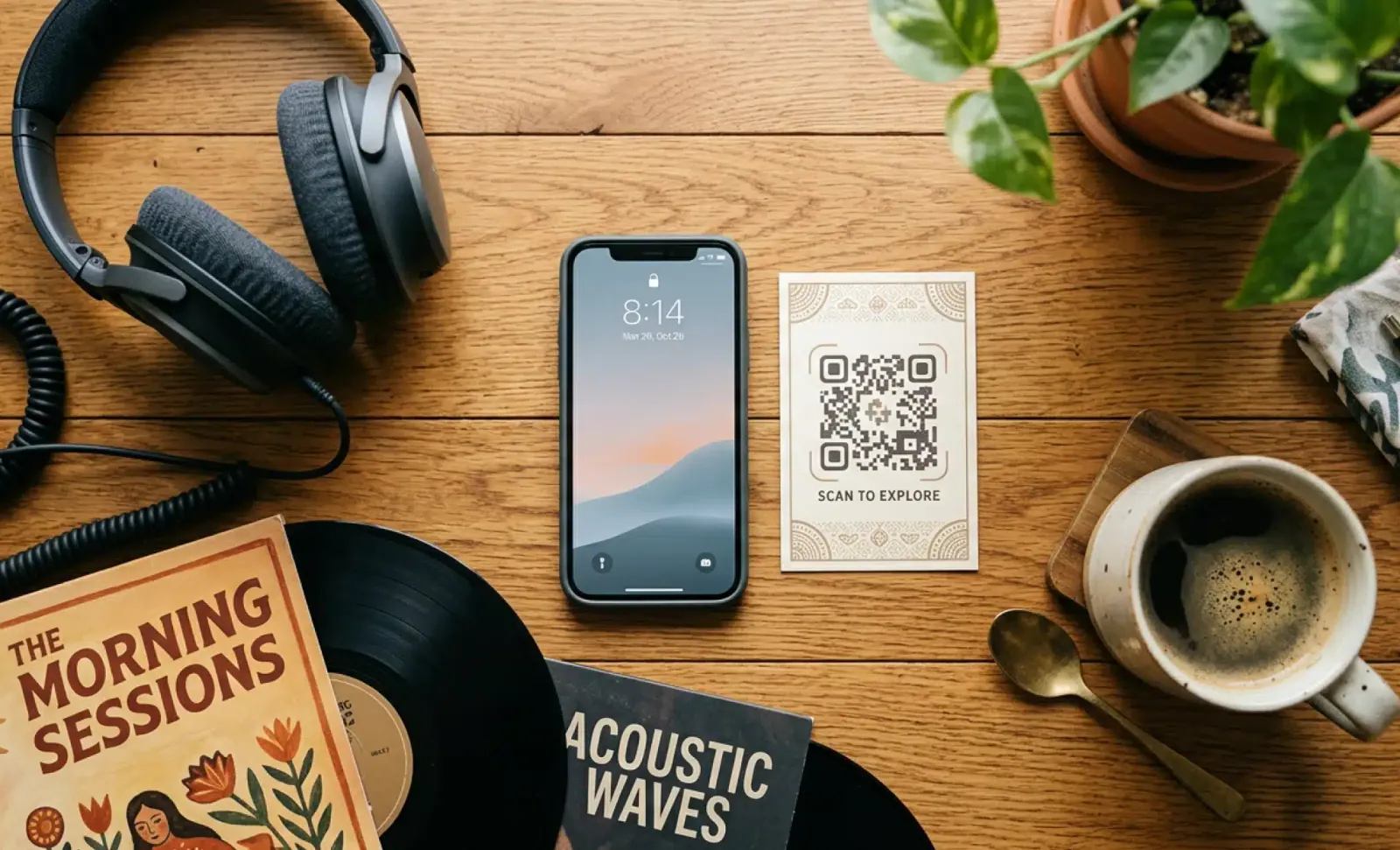
Today, there are more modern ways to invite others to listen to music we adore—Apple Music’s collaborative playlists and Spotify codes are just two widely used examples. However, there’s still something undeniably romantic about sharing music through physical media, whether it’s creating personalized cassettes or burning songs onto CDs.
And if you’re wondering whether it’s possible to combine the best of both worlds, YouTuber Makestreme set out to do exactly that: fit an entire song into a QR code. He called this format a “QR cassette”—eight QR codes printed on two sides of a paper, akin to sides A and B of a cassette. This way, a piece of paper can carry a song without the need for streaming or the internet.
What Is a QR Cassette?
A QR cassette is a DIY physical music format that stores an audio track across multiple high-capacity QR codes. Instead of streaming a song from the cloud, you scan the codes, decode the data, and reconstruct the track locally.
| Feature | Details |
|---|---|
| Creator | YouTuber Makestreme |
| Format | Eight QR codes on two sides of paper |
| Storage Method | Compressed audio encoded into QR codes |
| Playback | Requires custom software to decode and reconstruct |
| Goal | Offline, physical music sharing in the streaming era |
How the QR Cassette Works
The QR cassette relies on extreme audio compression. A typical three-minute MP3 track starts at around 3 to 3.5 megabytes—far too much data for a handful of QR codes.
To make it work, the creator used Meta AI’s EnCodec to compress the music file down to about 100 times smaller than its original size. Once the track is compressed to no more than 24 KB, a custom Python script splits it into eight version 40 QR codes.
Version 40 QR codes are the highest-capacity QR codes available today, with each capable of holding up to 3 KB of data.
| Stage | Data Size |
|---|---|
| Original MP3 (3 min) | ~3–3.5 MB |
| Compressed with EnCodec | ≤24 KB |
| QR Codes Required | 8 (version 40) |
| Capacity Per QR Code | Up to 3 KB |
Tools and Software You’ll Need
If you’re interested in recreating this project, there are a few programs and resources you’ll need. The creator has laid out a comprehensive written guide along with the source code on Hackster.
| Tool | Purpose |
|---|---|
| Meta AI’s EnCodec | Compresses the audio file to a fraction of its original size |
| Custom Python Script | Splits the compressed track into eight QR codes |
| Hackster Guide | Step-by-step instructions and source code |
| QR Code Generator | Prints the final codes for scanning |
Step-by-Step: Creating a QR Cassette
-
Start with an audio track — a three-minute MP3 is a good test case.
-
Compress the track using Meta AI’s EnCodec, reducing it to 24 KB or less.
-
Run the custom Python script to split the compressed data into eight version 40 QR codes.
-
Print the QR codes on two sides of a piece of paper, mimicking a cassette’s A and B sides.
-
Scan and decode the QR codes using the provided software to reconstruct the track.
Important: Scanning the QR codes alone won’t play the song. The audio is stored as latent data, so you need the custom script to identify and rebuild the track.
Playing Back a QR Cassette
Once you have successfully compressed an audio track into eight QR codes, the remaining challenge is figuring out how to play and listen to the song. Because the song is converted into latent data, scanning the QR codes alone won’t be enough—this format requires software that can identify and reconstruct the track for you.
The developer’s custom Python script, available in the Hackster instructions, handles this step.
The LoRa Radio Add-On
Apart from printing the QR codes, the developer took things a step further and made a small, long-range wireless transmitter called a LoRa radio. This makes offline transfers of QR cassettes between devices possible.
| Feature | Benefit |
|---|---|
| LoRa Radio | Enables offline transfer between devices |
| Long-Range Wireless | Works without internet infrastructure |
| DIY Hardware | Requires technical know-how and additional components |
The Catch: While helpful for offline media sharing, the LoRa radio requires a layer of hardware and technical know-how that most people probably do not have.
Reception and Criticism
Overall, if you enjoy tinkering with software, hardware, or unconventional ways of storing digital media, creating a QR cassette is worth trying. It’s been well-received by many users online.
However, other commenters have pointed out that it would be easier for most people to simply use CDs to store their music. Of course, this does not mean the format should be ditched entirely.
The QR cassette aptly belongs in the wide variety of unusual physical formats—like miniature cardboard turntables, hand-cranked music boxes, or USB sticks—as a way to listen to music. If nothing else, these QR cassettes offer a creative way for tinkerers to help bring offline music back in style during the streaming era.
Comparison Table: Physical Music Formats
| Format | Storage Capacity | Playback Device | Internet Required? | DIY Difficulty |
|---|---|---|---|---|
| QR Cassette | ~24 KB (compressed) | Custom software | ❌ No | High |
| CD | ~700 MB | CD player | ❌ No | Moderate |
| Cassette Tape | ~90 minutes | Cassette deck | ❌ No | Moderate |
| Vinyl | ~22 minutes per side | Turntable | ❌ No | Low |
| USB Stick | GBs | USB port | ❌ No | Low |
| Streaming | Unlimited | Smartphone/PC | ✅ Yes | Very Low |
Frequently Asked Questions
Q: What is a QR cassette?
A: A QR cassette is a DIY format that stores a compressed audio track across eight high-capacity QR codes printed on paper.
Q: How much data can a QR code hold?
A: A version 40 QR code can hold up to 3 KB of data. Eight of them can hold about 24 KB.
Q: What software do I need to create a QR cassette?
A: You need Meta AI’s EnCodec for compression and a custom Python script to split the track into QR codes.
Q: Can I play a QR cassette by just scanning the codes?
A: No. The audio is stored as latent data, so you need custom software to reconstruct the track.
Q: What is the LoRa radio used for?
A: The LoRa radio is an optional add-on that enables offline transfers of QR cassettes between devices.
Q: Is it easier to just use CDs?
A: For most people, yes. CDs are simpler and hold far more data. The QR cassette is more of a creative experiment for tinkerers.
Quick Reference Summary
| Step | Action |
|---|---|
| 1 | Choose an audio track (e.g., a 3-minute MP3). |
| 2 | Compress it with Meta AI’s EnCodec to ≤24 KB. |
| 3 | Use the custom Python script to split it into 8 QR codes. |
| 4 | Print the QR codes on two sides of paper. |
| 5 | Scan and decode using the provided software. |
| 6 | Optional: Use a LoRa radio for offline transfers. |
Final Thoughts
The QR cassette is a fascinating blend of old-school physical media and modern digital compression. It may not replace streaming or CDs for everyday listening, but it represents exactly the kind of creative tinkering that keeps physical media alive in the streaming era.
The bottom line: If you love experimenting with software and hardware—or just want a unique way to share music offline—the QR cassette is a project worth trying. It’s a reminder that even in a world of instant streaming, there’s still room for a little DIY romance.