Screen Protectors: Do You Still Need Blue Light and Privacy Options?
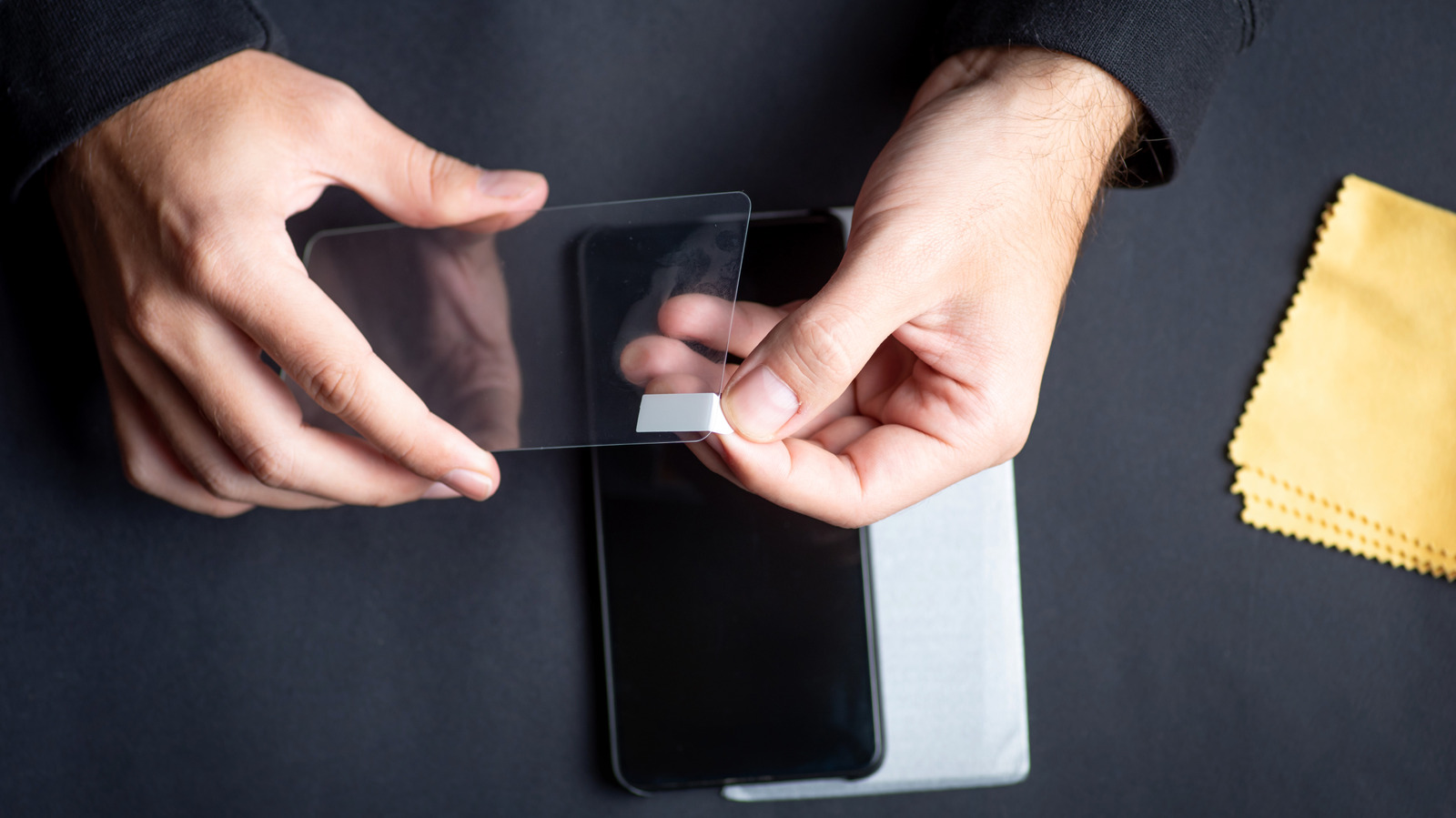
How to Clean Your Screen Properly
Regularly cleaning your screen ensures it stays free of fine dust and smudges that can be hard to spot. However, cleaning it incorrectly can damage the protective coatings.
The Right Way to Clean Your Screen
| Step | Action |
|---|---|
| 1 | Mix a cleaning solution of equal parts water and isopropyl alcohol (70% or less). |
| 2 | Dampen a microfiber cloth (never spray directly on the screen). |
| 3 | Gently wipe the surface in a circular motion. |
| 4 | Let it air dry or wipe with a dry section of the cloth. |
⚠️ Important: Avoid using more than 70% isopropyl alcohol or harsh chemicals like bleach, ammonia, or abrasive cleaners. These can strip the oleophobic (oil-repellent) and anti-reflective coatings on your screen, leading to permanent damage.
Do You Still Need a Blue Light Screen Protector?
Blue light can keep you awake at night, leading to manufacturers claiming that a blue light screen protector does more than just protect your screen—it helps you sleep better. Blue light filtering screen protectors typically filter out between 30% and 60% of your phone’s blue light emissions.
The Problem with Blue Light Screen Protectors
| Issue | Impact |
|---|---|
| Yellowish tint | Gives your display a perpetual warm hue that throws off color accuracy. |
| Limited effectiveness | Only filters 30–60% of blue light. |
| Not customizable | Always on—can’t be scheduled. |
The Better Option: Built-In Software Filters
| Feature | Benefit |
|---|---|
| Schedulable | Turns on automatically in the evening and off in the morning. |
| Free | No extra cost—built into Android and iOS. |
| Customizable | Adjust intensity to your preference. |
| No color distortion | Some modes (like iOS Night Shift) reduce blue light without a yellow tint. |
The Verdict: You don’t need a blue light screen protector. Using your phone’s built-in blue light filter feature is often more effective, more customizable, and best of all, free.
Do You Need a Privacy Screen Protector?
Privacy screen protectors appear clear when looking straight at your phone, but they block the view from the side, preventing anyone nearby from seeing your screen.
When a Privacy Protector Makes Sense
-
You commute on public transit (trains, buses, subways).
-
You work in an open office with close seating.
-
You frequently use your phone in crowded spaces (cafes, airports, events).
The Downsides of Privacy Screen Protectors
| Disadvantage | Impact |
|---|---|
| Hard to share your screen | People next to you can’t see; you have to hand them the phone. |
| Notifications aren’t visible | Can’t glance at your phone when it’s beside you. |
| Grainy or pixelated display | Reduces overall screen clarity. |
| Darker screen | Requires increasing brightness, which drains battery faster. |
The Verdict: If you’re someone who normally uses their phone at home or in private areas, a privacy screen protector is likely overkill. It makes your display look grainy, darker, and harder to share.
Comparison Table: Screen Protectors at a Glance
| Feature | Blue Light Protector | Privacy Protector | Standard Tempered Glass |
|---|---|---|---|
| Color Accuracy | ❌ Yellowish tint | ✅ Good | ✅ Excellent |
| Screen Brightness | ✅ Normal | ❌ Darker (requires higher brightness) | ✅ Normal |
| Side Viewing | ✅ Visible | ❌ Blocked | ✅ Visible |
| Battery Impact | ✅ Minimal | ❌ Higher brightness drains battery | ✅ Minimal |
| Price | ~$15–$30 | ~$20–$40 | ~$10–$25 |
| Best For | Nighttime use (but software is better) | Public commuters, open offices | General protection |
Frequently Asked Questions
Are blue light screen protectors worth it?
Not really. Your phone’s built-in blue light filter is free, more customizable, and doesn’t give your screen a permanent yellowish tint.
Do privacy screen protectors damage your phone?
No, they don’t damage the phone, but they can make the display look grainy, reduce brightness, and make it harder for others to see your screen.
Can I use my phone’s built-in blue light filter and a blue light protector together?
Yes, but it’s unnecessary. Using the software filter alone is more effective and doesn’t affect color accuracy.
What percentage of isopropyl alcohol is safe for cleaning phone screens?
Use 70% isopropyl alcohol or less. Higher concentrations can damage the oleophobic coating.
Can I use a privacy screen protector on a tablet?
Yes. Privacy screen protectors are available for tablets and laptops as well.
\Quick Reference Summary
| Action | Recommendation |
|---|---|
| Clean your screen | Use 70% isopropyl alcohol + water, microfiber cloth. |
| Reduce blue light | Use your phone’s built-in filter (Night Shift, Night Light). |
| Privacy protection | Only if you frequently use your phone in public spaces. |
| Avoid | Harsh chemicals, high-alcohol solutions, and abrasive cloths. |
Final Thoughts
Blue light and privacy screen protectors are popular, but they’re not always necessary. For blue light, your phone’s built-in software is a better, free alternative. For privacy, consider whether you actually need it—if you’re mostly at home, a standard tempered glass protector is a better choice.
The bottom line: A good tempered glass screen protector offers the best balance of protection, clarity, and value. Clean it properly, and it will keep your screen looking great for years.