How to Fix “Restore from iCloud Stuck at Estimating”
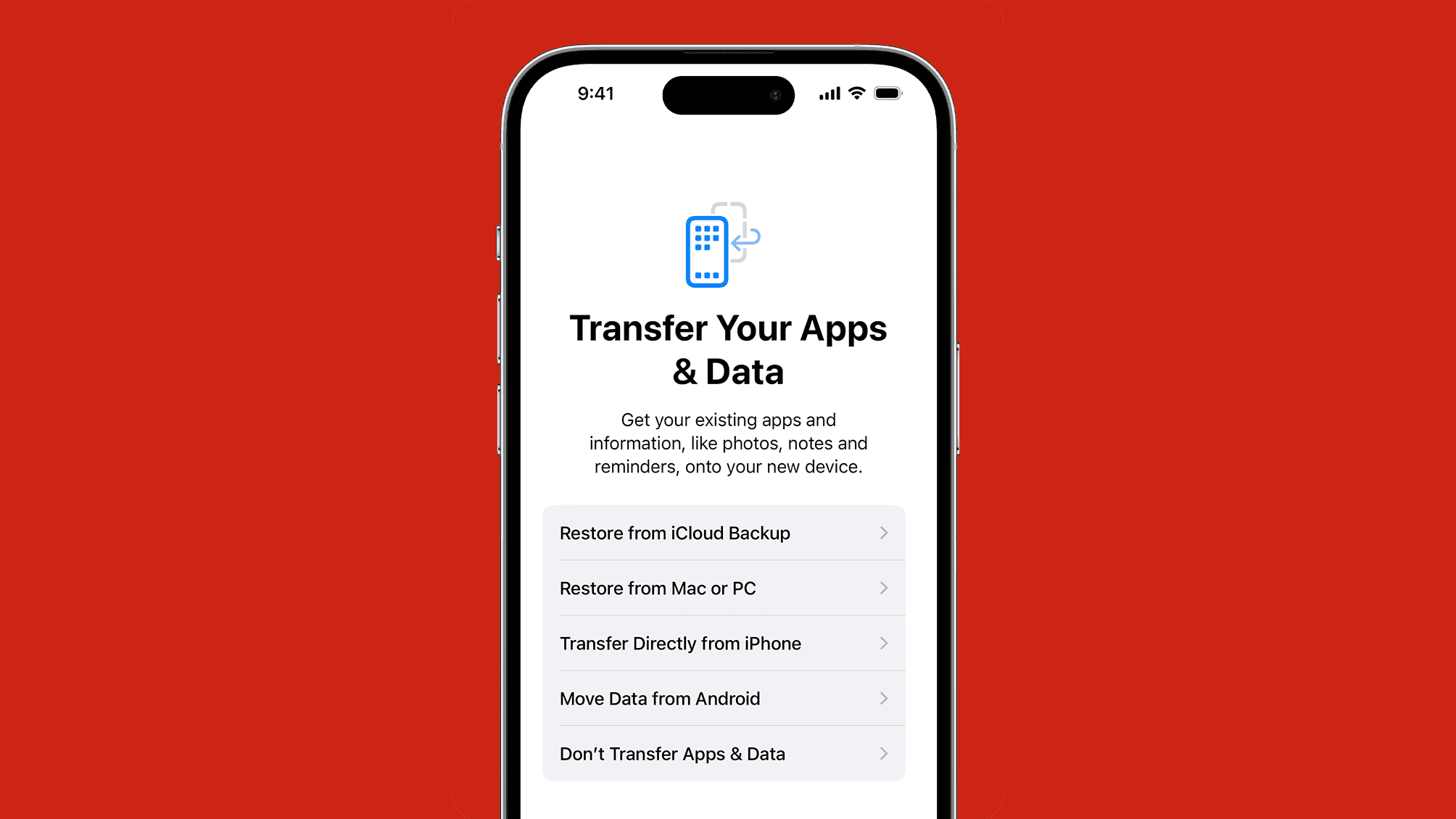
When setting up a new or restored iPhone, the iCloud recovery process can get stuck on the “Time Remaining: Estimating” screen. This indicates a communication issue between your device and Apple’s servers, typically related to network problems. Follow this structured guide to resolve it.
🔧 Quick Troubleshooting Summary
Start with the simplest solutions and proceed in order.
| Step | Solution | Best For |
|---|---|---|
| 1 | Basic Reset & Network Check | Immediate first step for any glitch. |
| 2 | Advanced Network Fixes | If the issue persists, suggests network/router problems. |
| 3 | Full Device Reset | Last resort for a corrupted setup process. |
📝 Detailed Troubleshooting Steps
Step 1: Basic Reset & Connection Check
-
Perform a Forced Restart: Clears temporary software caches.
-
iPhone 8 or later: Press and release Volume Up, press and release Volume Down, then press and hold the Side button until the Apple logo appears.
-
-
Optimize Your Wi-Fi Connection:
-
Reduce Congestion: Temporarily disconnect other devices from your Wi-Fi.
-
Improve Signal: Move closer to your router.
-
Use a Different Network: Try another reliable Wi-Fi network or a personal hotspot.
-
-
Keep iPhone Plugged In: Connect to a power adapter. A low battery can pause the process.
Step 2: Advanced Network Configuration
If basic steps fail, the issue may be with network settings.
-
Reset Network Settings on the Device:
-
Go to Settings > General > Transfer or Reset iPhone > Reset > Reset Network Settings.
-
Note: This erases saved Wi-Fi passwords and networks.
-
Step 3: Wipe and Restart the Setup (Last Resort)
If the screen is stuck for hours, the setup process itself may be corrupted.
-
Erase the iPhone: Go to Settings > General > Transfer or Reset iPhone > Erase All Content and Settings. This returns you to the initial “Hello” screen.
-
Restart the Restore: Go through setup again and choose “Restore from iCloud Backup” when prompted. This starts a completely fresh restore attempt.
❓ Frequently Asked Questions (FAQ)
-
How long should “Estimating” take?
Usually 1-5 minutes. If it exceeds 30 minutes, the process is likely stuck and requires intervention. -
Will I lose my iCloud backup if I restart or erase?
No. Your backup is stored securely in iCloud. Restarting or erasing the iPhone only interrupts the download attempt, not the source backup. -
Does a large backup cause this?
Yes, very large backups (hundreds of GB) take longer to index and calculate, increasing the chance of a timeout. A strong, stable Wi-Fi connection is critical.
💎 Conclusion & Proactive Tips
-
Patience and a strong Wi-Fi connection are the most critical factors.
-
Always start with a forced restart and network optimization.
-
If problems persist, erasing the device and starting the setup fresh (Step 3) is often the fastest resolution.
-
If none of these steps work, contact Apple Support, as there may be a rare issue with the iCloud backup itself.