How to 3D Print iPad Stands, Clamps, and Mounts
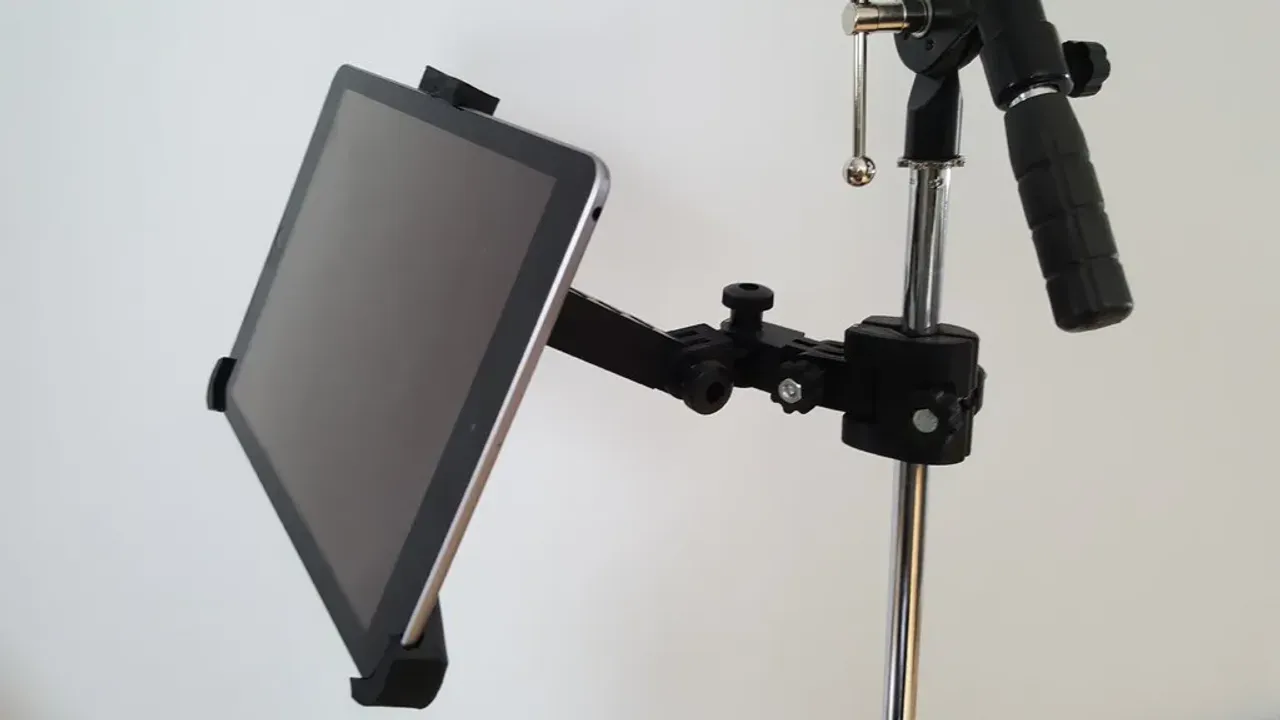
Part of the latent potential of owning a 3D printer isn’t just creating new gadgets from scratch—it’s also designing accessories for your existing devices. If you use an iPad frequently, you can 3D print a custom stand or clamp tailored to your exact dimensions, including a case.
What You’ll Need
| Item | Details |
|---|---|
| FDM 3D printer | e.g., FlashForge Adventurer (widely available on Amazon) |
| Thermoplastic filament | PLA, PETG, or ABS – buy in bulk |
| Slicer software | Free: UltiMaker Cura; Paid: Simplify3D |
| Optional | Command strips, aluminum tubing (for car mounts) |
Note: Any FDM printer and slicer will work. Slicer software converts your 3D model into instructions the printer understands.
iPad Accessory Ideas You Can Print
1. Adjustable Stand (No Hardware Required)
-
Designer: Printables user Sneaks
-
Features: 100% printable, adjustable angle, movable lower brackets, retractable hooks for smaller devices.
-
Best for: Desk or table use.
2. Wall Mount
-
Designer: Printables user ethanthompson
-
Features: Cradles iPad, flat back for Command strips, side‑mounted so Home button and camera remain accessible. Works with Apple Pencil.
-
Best for: Kitchen, workshop, or wall‑mounted control center.
3. Backseat Car Mount (iPad Cinema)
-
Designer: Thingiverse user Hein0170
-
Features: Custom clamp that mounts to front seats using aluminum tubing from a hardware store.
-
Best for: Passenger entertainment on long trips.
Design Tips for Beginners
-
Account for your iPad’s exact dimensions – including thickness if you use a case.
-
Add support structures where needed (overhangs, brackets).
-
Check existing designs on Printables and Thingiverse before modeling from scratch.
-
Use Command strips for wall mounts – strong, removable, no drilling.
Summary Table
| Project | Creator | Key Material | Mounting Method |
|---|---|---|---|
| Adjustable stand | Sneaks (Printables) | Filament only | Freestanding |
| Wall mount | ethanthompson (Printables) | Filament + Command strips | Adhesive |
| Car headrest mount | Hein0170 (Thingiverse) | Filament + aluminum tubing | Clamp |
Conclusion
With a basic FDM printer and free slicer software, you can create custom, functional iPad accessories. Whether you need a desk stand, a wall mount, or a car entertainment system, the 3D printing community has already designed proven solutions – and you can modify them to fit your exact iPad model.