Use Your Apple Watch’s Handwashing Timer for Better Health
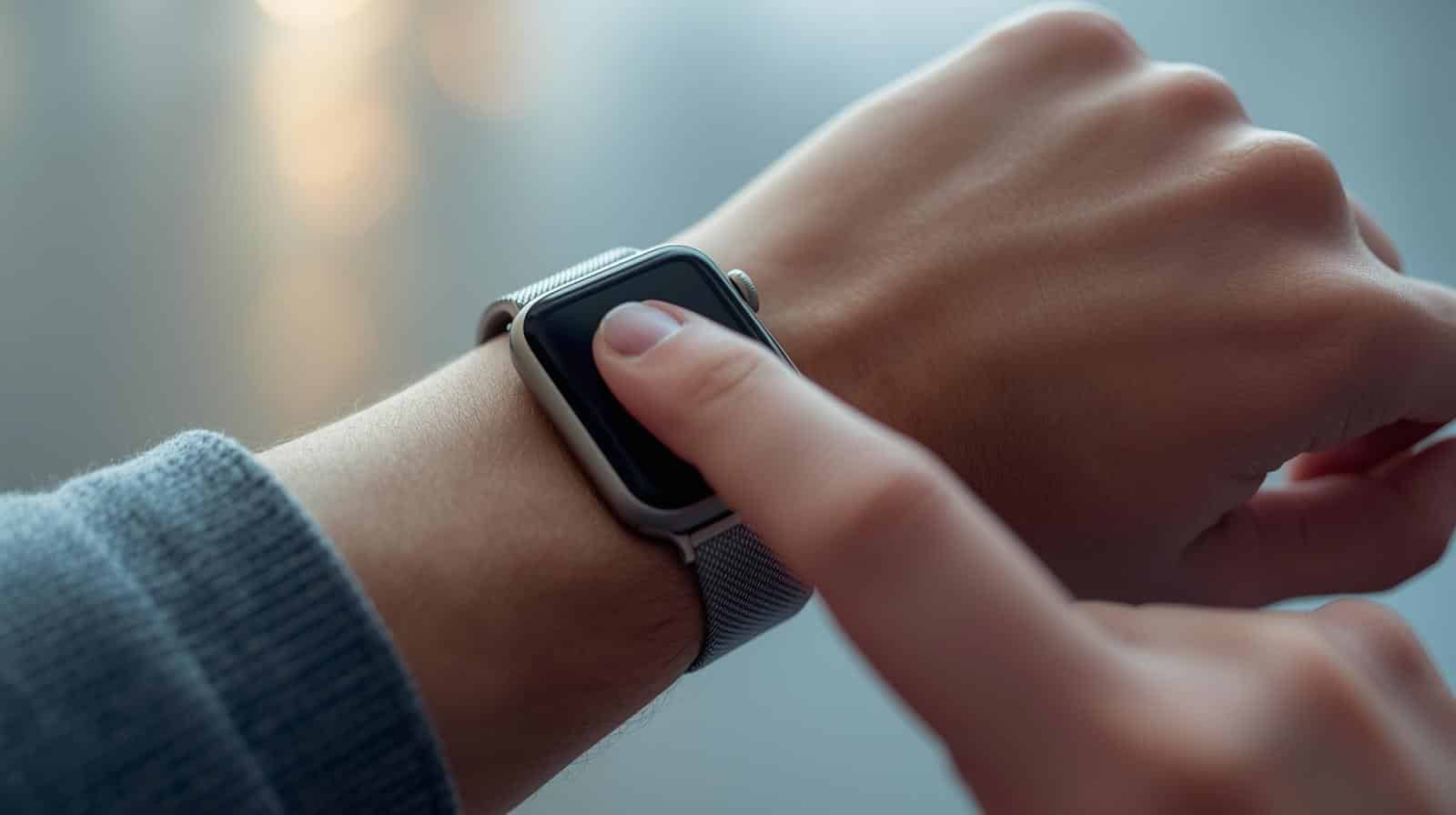
Your Apple Watch is capable of fostering healthy habits beyond fitness, and a prime example is its built-in Handwashing feature. Designed to promote proper hygiene, this tool uses the watch’s motion sensors and microphone to detect when you’re washing your hands. It then automatically starts a 20-second countdown timer, ensuring you meet the time recommended by health experts.
How to Enable the Handwashing Timer
You can activate this feature in less than a minute directly on your watch or via your iPhone.
-
On Apple Watch: Open the Settings app, scroll down and tap Handwashing, and turn on the Handwashing Timer.
-
On iPhone: Open the Watch app, go to My Watch > Handwashing, and toggle on Handwashing Timer. Here, you can also enable Handwashing Reminders to get a prompt to wash your hands when you return home.
How It Works and Tracking Your Data
Once enabled, the feature works automatically. When the watch hears running water and senses the characteristic scrubbing motions, it will display the timer. If you stop early, it will gently encourage you to continue.
You can review your handwashing consistency in the Health app on your iPhone. Navigate to Browse > Other Data > Handwashing to see your average wash duration and frequency, which can be a great motivator.
Key Requirements and Tips
This feature is available on Apple Watch Series 4 and later with watchOS 7+. It requires a paired iPhone running iOS 14 or later. While not perfect, it’s a clever and practical use of the watch’s technology to encourage a simple, healthy habit. The next time you wash your hands, let your watch give you that helpful nudge to finish strong.