Swollen Phone Battery Warning – Why Your Old Phone Could Be a Fire Hazard
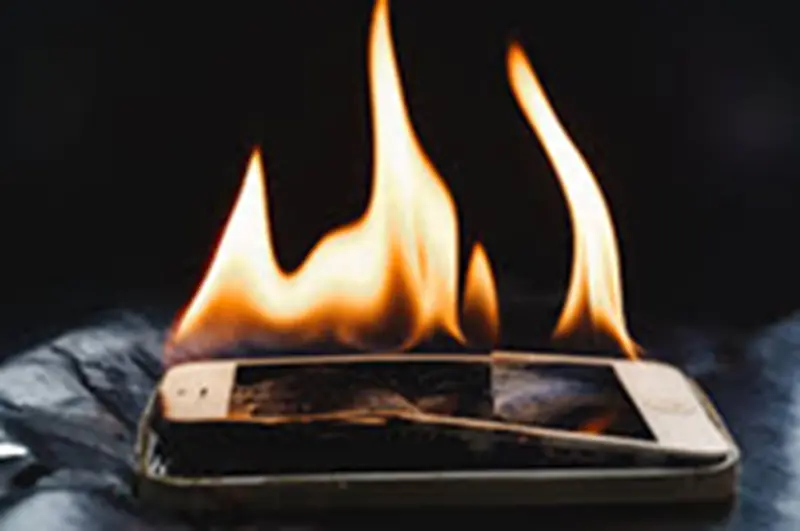
If you are holding on to your old phone out of nostalgia or because you think you might need it one day, you could have a fire hazard on your hands. In 2022, popular tech YouTuber Marques Brownlee (known as @mkbhd) and some of his peers noticed that the batteries of their old Samsung phones were swelling up at a much faster rate than those of other phone manufacturers. The key phrase here is “faster rate,” because it implies that other phone batteries also swell, but their rates are slower.
A swollen battery is one of the biggest signs that a lithium‑ion (Li‑ion) battery is about to explode. Even when a phone is turned off, the battery continues to drain, albeit at a slower pace. Eventually, it will drain completely, entering a state known as deep discharge. This is where things become dangerous. According to Marques, the battery’s electrolytes gradually evaporate during periods of inactivity. This creates gases such as carbon dioxide, carbon monoxide, and hydrogen, which can build up over time and cause a noticeable bulge on the phone due to internal pressure.
Therefore, it is time to pull your old phone from the drawer, closet, or cabinet where you stored it years ago, and check it to ensure it is not a fire risk. The safest option would be to sell or recycle any devices you do not plan to use again.
Storing Your Old Phone Properly Could Prevent a Future Fire
If there is no evidence of swelling on your old phone, that is good news. However, you can still take several measures to keep the device safe for years to come: charge the battery to about 50%, power the phone down, and store it in a cool, dry place. Repeat this every six months to avoid completely discharging the battery, which reduces its capacity and shortens its lifespan. For devices with a removable battery, perform the same steps but store the phone and battery separately. This allows the battery to self‑discharge more slowly without the phone’s internal components drawing power to run background processes.
If the battery is swollen, do not attempt to charge it. For a phone with a built‑in battery, power off the device and call a professional repair technician to handle it. They will know how to properly manage the phone and replace the battery. If the battery is removable, you can take it out and replace it yourself, but never throw old batteries in the trash. According to the Environmental Protection Agency (EPA), apply tape over the terminals, place the battery in a plastic bag, and take it to your nearest recycling center for hazardous waste.