Safely Removing USB Drives on Windows: Why It’s No Longer Mandatory (And When It Still Matters)
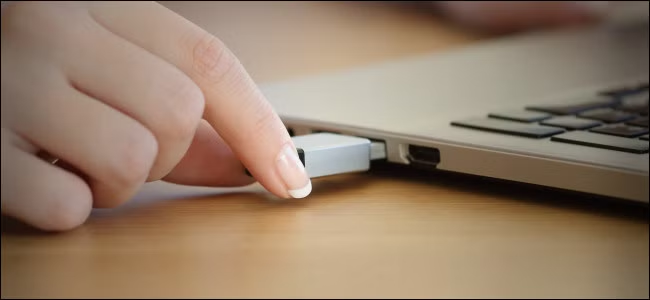
In the past, yanking a flash drive or external hard drive from a Windows computer was considered reckless. This was because operating systems cached data transfers in RAM before writing to external drives to improve system performance. If you removed the USB stick without ejecting it, data could become corrupted or permanently lost, as it remained cached in memory. By safely removing the drive, the operating system performed essential housekeeping—emptying the cache and clearing pending write operations before detaching the drive.
However, this practice has since become largely unnecessary for Windows users. Starting with Windows 10 version 1809 (released in November 2018), Microsoft introduced a feature called “Quick removal” and made it the default policy for external storage. Under this policy, Windows no longer caches disk write operations in memory, meaning external drives are generally ready to be removed at any time without following the safe ejection process. That said, “Quick removal” did not completely eliminate the need for safe ejection. Certain scenarios still require it.
When You Still Need to Safely Remove External Drives
While write caching is disabled by default on Windows, macOS and Linux still have it enabled. On those operating systems, you should always safely remove external drives. Neither Apple nor Linux provides official documentation on disabling this feature, so safe ejection remains the expected workflow. Even on Windows with “Quick removal” active, there is still a small risk of data corruption or loss if you do not verify that all files have finished transferring to the drive. When in doubt, follow the safe ejection protocol.
Additionally, you might need to enable write caching on Windows, which would then require you to safely remove USB sticks. This may be necessary if file transfers are noticeably slowing down your computer. Although manually ejecting drives is inconvenient, write caching ensures that disk write operations do not negatively impact system performance by offloading them to RAM. Without write caching, the operating system must complete data transfers in a single session, which can lead to sluggish performance. This is less of an issue with faster, more reliable storage options like SSDs.
How to Re-enable Write Caching on Windows
Follow these steps to enable write caching and revert to requiring safe removal:
-
Right‑click Start and select Disk Management.
-
In the lower section of the window, locate your external drive. Right‑click it and select Properties.
-
Under the Removal Policy section, select Better Performance.
-
Click OK.