
info@real4web.com
logo
  • Home
  • News
  • Lyrics
  • Tech Troubleshooting
  • Variety
  • Ai Prompt
  • web tools
  • Legal Guides
  • Contact Us
  • العربية
logo
  • Home
  • News
  • Lyrics
  • Tech Troubleshooting
  • Variety
  • Ai Prompt
  • web tools
  • Legal Guides
  • Contact Us
  • العربية
  • Home
  • News
  • Lyrics
  • Tech Troubleshooting
  • Variety
  • Ai Prompt
  • web tools
  • Legal Guides
  • Contact Us
  • العربية
real-logo
  • Home
  • News
  • Lyrics
  • Tech Troubleshooting
  • Variety
  • Ai Prompt
  • web tools
  • Legal Guides
  • Contact Us
  • العربية
Home Misc Internet Randomly Drops for a Few Seconds (The Real Causes Most People Miss)

Internet Randomly Drops for a Few Seconds (The Real Causes Most People Miss)
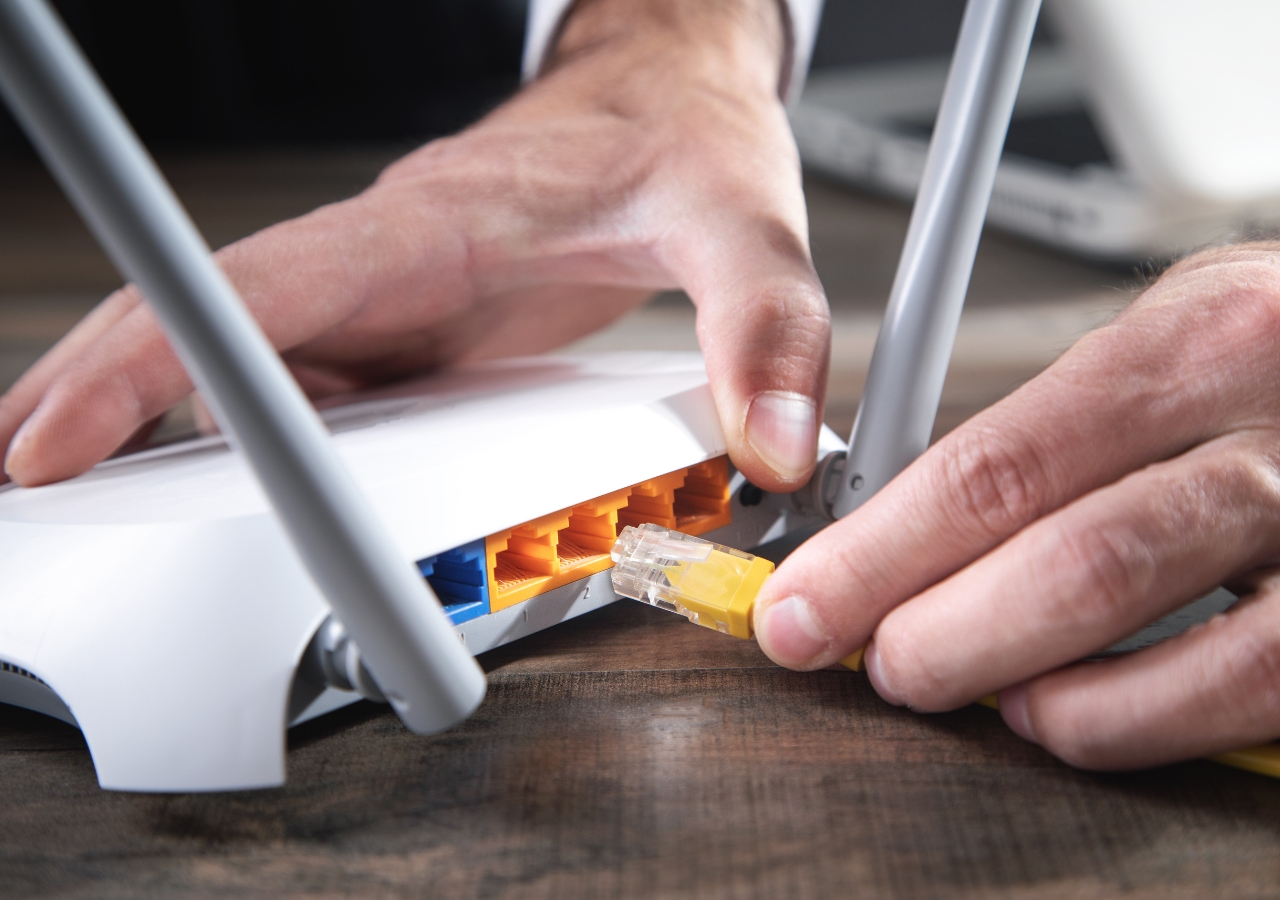
بعد تيك توك.. أجهزة الراوتر الصينية قد تكون الهدف التالي للحظر في الولايات المتحدة

After more than a decade troubleshooting unstable home networks, I can tell you that brief internet drops are rarely caused by your ISP alone  even when customer support insists everything looks fine from their side.

Most users describe the issue the same way: the connection disconnects for 5–10 seconds, then comes back automatically. Streaming pauses, online games spike in latency, and Zoom calls freeze just long enough to be frustrating.

The mistake I see all the time

People reboot the router repeatedly without checking signal stability first. Temporary resets hide the problem instead of solving it.

In real-world cases, the biggest hidden causes are:

  • Overheating routers placed inside cabinets

  • Cheap Ethernet cables causing packet loss

  • Auto-channel switching on crowded Wi-Fi bands

I once helped a client who replaced his internet plan three times — the real issue was a smart TV flooding the network with multicast traffic every few minutes.

Practical troubleshooting steps

  1. Disable “Smart Connect” temporarily and separate 2.4GHz and 5GHz networks.

  2. Check router logs for DHCP renewals every few minutes.

  3. Test with one wired device only – remove all smart devices during diagnosis.

Short drops usually indicate instability, not total disconnection. Fix the environment before blaming the provider.

You Might Also Like

  • How to Fix WiFi the Right Way (Not the Way Most People Try First)
    How to Fix WiFi the Right Way (Not the Way Most People Try First)
  • iOS 26.2 Finally Fixed Liquid Glass – Here’s How
    How to Fix T-Mobile Internet for Gaming (Reduce Lag & Lower Ping)
  • Building a User Experience Lab: How to Validate Real-World App Performance
    Building a User Experience Lab: How to Validate Real-World App Performance
5G channel Ethernet fix problem Wi-Fi
Wrongful Death Lawyers Los Angeles (What Families Aren’t Told Early) PrevWrongful Death Lawyers Los Angeles (What Families Aren’t Told Early)February 13, 2026
Is DSL Dial-Up? The Truth People Still ConfuseFebruary 13, 2026 Is DSL Dial-Up? The Truth People Still Confuse Next
  • About Us
  • Our Clients
  • Our Portfolio
  • Brand Design Service
  • Web Design Service
  • E-marketing Service