

How to Use Water Lock on Apple Watch: A Complete Guide
How to Use Water Lock on Apple Watch: A Complete Guide
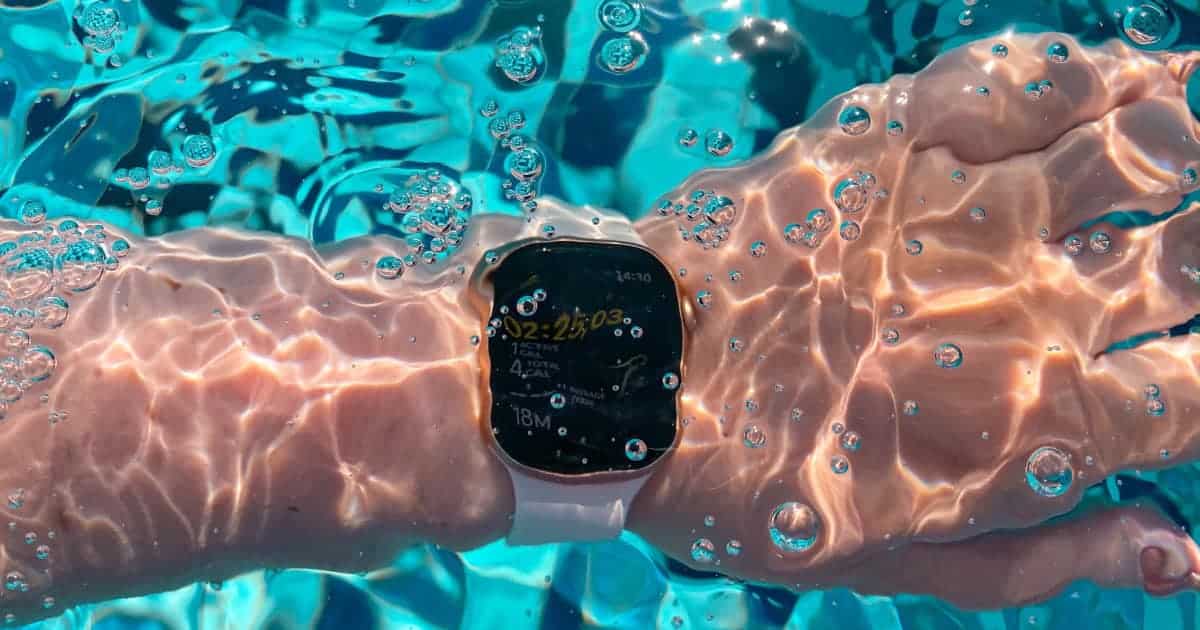
The Water Lock feature is essential for anyone who wears their Apple Watch in the water. Whether you’re swimming laps, running in the rain, or just washing your hands, this mode prevents accidental screen touches caused by water droplets. More than just locking the screen, it also includes a clever process to clear water from the speaker when you’re done.
Here’s everything you need to know about using Water Lock effectively.
How to Turn On Water Lock
Activating Water Lock is a simple, two-step process that takes just seconds.
-
Open Control Center: Press the side button (the flat button below the Digital Crown) on your Apple Watch.
-
Tap the Water Drop Icon: Look for the water droplet icon and tap it.
You’ll know it’s active when you see a blue water droplet icon at the top of your watch face. The screen will no longer respond to touch, ensuring water doesn’t trigger any unwanted actions.
Pro Tip: When you start a Swimming workout using the built-in Workout app, Water Lock turns on automatically.
How to Turn Off Water Lock and Eject Water
Turning off Water Lock is just as easy, but with an important extra step: ejecting water from the speaker.
-
Rotate the Digital Crown: Slowly turn the Digital Crown away from you.
-
Wait for the Process to Complete: You will see an animation on the screen and hear a series of beeps and vibrations. This is the sound of the speaker expelling any trapped water.
Once the sound stops, your Apple Watch is unlocked and ready for normal use.
Why Water Lock is Essential for Your Apple Watch
1. Prevents Accidental Inputs
Water on the screen can mimic finger touches, leading to misplaced taps, opened apps, or even cancelled workouts. Water Lock completely disables the touchscreen to prevent this.
2. Protects the Speaker
The water ejection feature uses sonic vibrations to force water out of the speaker grill, which helps maintain audio quality and prevents potential damage.
3. It’s More Than Just for Swimming
While crucial for swimming, you should also use Water Lock for:
-
Showering
-
Washing dishes
-
Running in heavy rain
-
Any intense sweat-based workout
Important Limitations to Understand
Water Lock does NOT make your Apple Watch waterproof. It is a software feature that works alongside your watch’s built-in water resistance.
-
All Apple Watch models have a water resistance rating, but this can degrade over time.
-
Avoid exposing your watch to soap, shampoo, perfume, or salt water without rinsing it afterward with fresh water.
-
Do not use your watch for scuba diving, water skiing, or other high-velocity water activities.
Frequently Asked Questions (FAQ)
Q: What if I forget to turn off Water Lock?
A: Don’t worry! Your watch will remain locked until you rotate the Digital Crown to unlock it and eject the water. It won’t drain your battery faster or cause any harm.
Q: Do I need to use Water Lock every time it gets wet?
A: For quick splashes, it’s not always necessary. But for any intentional water exposure (like swimming or showering), it’s highly recommended to both activate Water Lock and use the ejection feature afterward.
Q: Why didn’t the water ejection sound play?
A: If your watch doesn’t detect any moisture in the speaker, it may not play the sound. The unlocking process will still complete normally.
Q: Can I use third-party swimming apps with Water Lock?
A: You may need to manually enable Water Lock from the Control Center, as not all third-party apps trigger it automatically like the native Workout app does.
Best Practices for Water Safety
To keep your Apple Watch in top condition:
-
Always rinse with fresh water after exposure to chlorine or salt water.
-
Dry the watch thoroughly with a soft, lint-free cloth.
-
Use the water ejection feature every time after you’ve been in water.
-
Avoid charging your watch while it is still wet.
By mastering the simple on/off process for Water Lock, you can confidently wear your Apple Watch during all your water-based activities, knowing it’s protected from both accidental inputs and water damage.


