How to Clean Your Car’s Infotainment Screen (Without Damaging It)
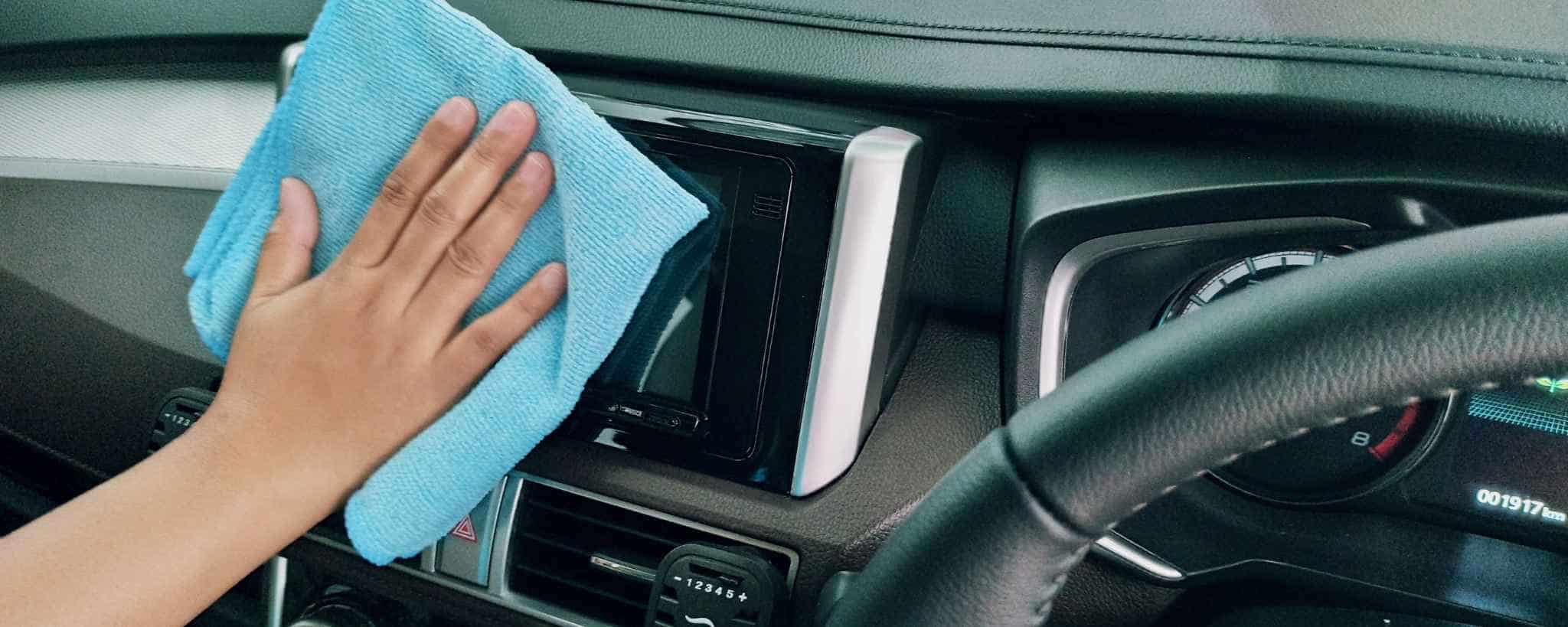
As modern vehicles evolve, the infotainment screen has become essential for controlling navigation, music, temperature, and smartphone integration like Apple CarPlay. With physical buttons fading away, keeping that touchscreen clean is more important than ever. Fingertips leave natural oils that create smudges, but cleaning it properly is easy—if you use the right tools and avoid common mistakes.
Quick Reference: Do’s and Don’ts
| Do | Don’t |
|---|---|
| Use a dedicated screen cleaner (e.g., EVEO Premium Screen Cleaner) | Use water – it leaves streaks, drips, and can damage the screen |
| Wipe with a soft microfiber cloth | Use glass cleaner (Windex) – contains ammonia or alcohol that eats anti‑glare coating |
| Buff away streaks with a dry part of the cloth | Apply too much pressure while scrubbing |
| Let cleaner sit for a few seconds before wiping | Spray directly onto the screen? (Actually, spraying a bit is fine, but avoid soaking) |
Note: Many manufacturers warn against ammonia or alcohol‑based cleaners because they degrade the anti‑glare coating that keeps the screen readable in sunlight.
Step‑by‑Step Cleaning Process
| Step | Action |
|---|---|
| 1 | Spray a small amount of screen cleaner onto the touchscreen (not onto the cloth). |
| 2 | Wait a few seconds for the solution to loosen oils and dirt. |
| 3 | Gently wipe the display with a clean microfiber cloth. |
| 4 | If streaks remain, use a dry part of the cloth (or a second microfiber cloth) to buff them away. |
Why Not Water or Glass Cleaner?
| Cleaner | Problem |
|---|---|
| Water | Doesn’t cut through deep grime; leaves streaks and drip marks; can seep into edges and damage electronics. |
| Glass cleaner (ammonia/alcohol) | Harsh chemicals strip the anti‑glare coating, leading to permanent damage. |
Pro Tips
-
Keep a dedicated microfiber cloth in your glove compartment for quick touch‑ups.
-
Clean the screen when the car is cool – direct sunlight can cause cleaner to evaporate too quickly, leaving residue.
-
Avoid paper towels or rough fabrics – they can scratch the delicate coating.
Conclusion
Cleaning your car’s infotainment screen is quick and safe if you use a proper screen cleaner and a microfiber cloth. Steer clear of water and household glass cleaners to protect the anti‑glare layer. With a few minutes of care, your touchscreen will stay smudge‑free and easy to read on every drive.