How Often to Lube Your Mechanical Keyboard Switches – A Complete Guide
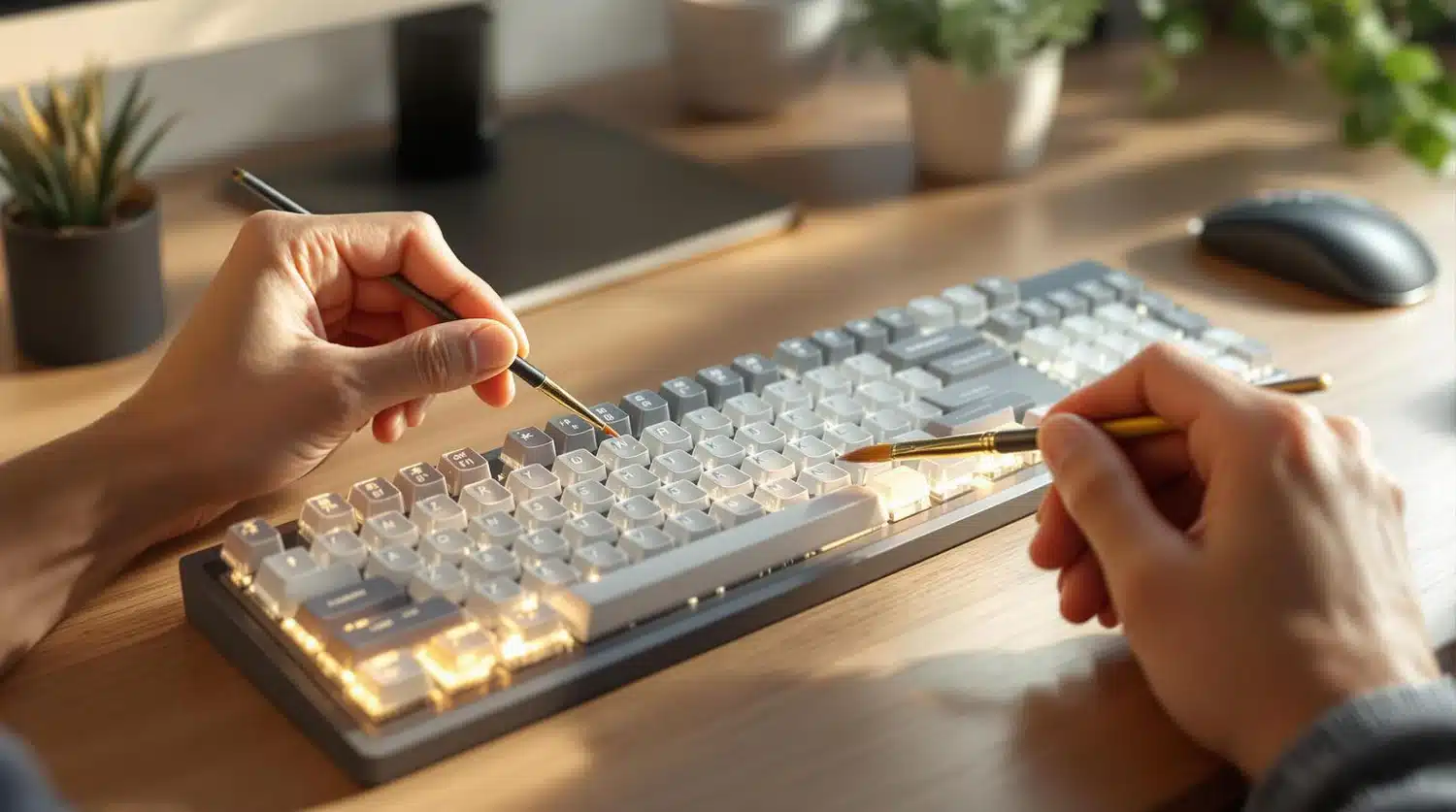
If you own a mechanical keyboard, you may have seen online discussions about lubricating the switches. This is a great way to improve switch smoothness while also increasing the keyboard’s longevity by reducing friction during daily use. In fact, hot‑swappable mechanical keyboards are among the best buy‑it‑for‑life tech products because of how easily you can customize them. If you plan to upgrade with new keyboard switches, you should definitely consider adding lubricant or even buying pre‑lubed switches for extra smoothness. However, regardless of the switch type, you also need to consider how often to reapply the lube.
Most people recommend lubricating your keyboard switches based on how often and how heavily you use your keyboard. Daily users who spend hours typing will likely want to re‑lubricate every three to six months, or at most every 12 months. This prevents the lube from wearing off, which could lead to stiff, uneven keystrokes, unwanted noise, and even ghosting issues.
You can lube more often, but if you are not experiencing any of the above problems, there is no real reason to take your keyboard apart and risk damaging something. Lubing switches involves disassembling each switch, cleaning out old lubricant, dirt, and dust, which can take time depending on your skill level.
Some Tips to Keep in Mind When Lubing Your Keyboard
First, be mindful of the lubricant you use. Lower‑quality lubrication may wear out more quickly, requiring more frequent reapplication. This is one downside of pre‑lubed switches, since it is harder to know what lubricant was used. Brands like Krytox 205g0 have excellent reviews, with an average 4.9‑star rating on Google Search.
When preparing to lube your switches, make sure you have all the necessary tools and a clean workspace. Dirt or dust inside a switch can cause degradation and issues with pressing the switch after reassembly. If you have never lubed keyboard switches before, plenty of online guides are available, including YouTube videos from custom keyboard creators.
If you are looking for other ways to upgrade your keyboard, installing new keycaps can also breathe new life into your setup.