

Why Your Windows Task Manager Might Be Lying to You (and That’s Okay)
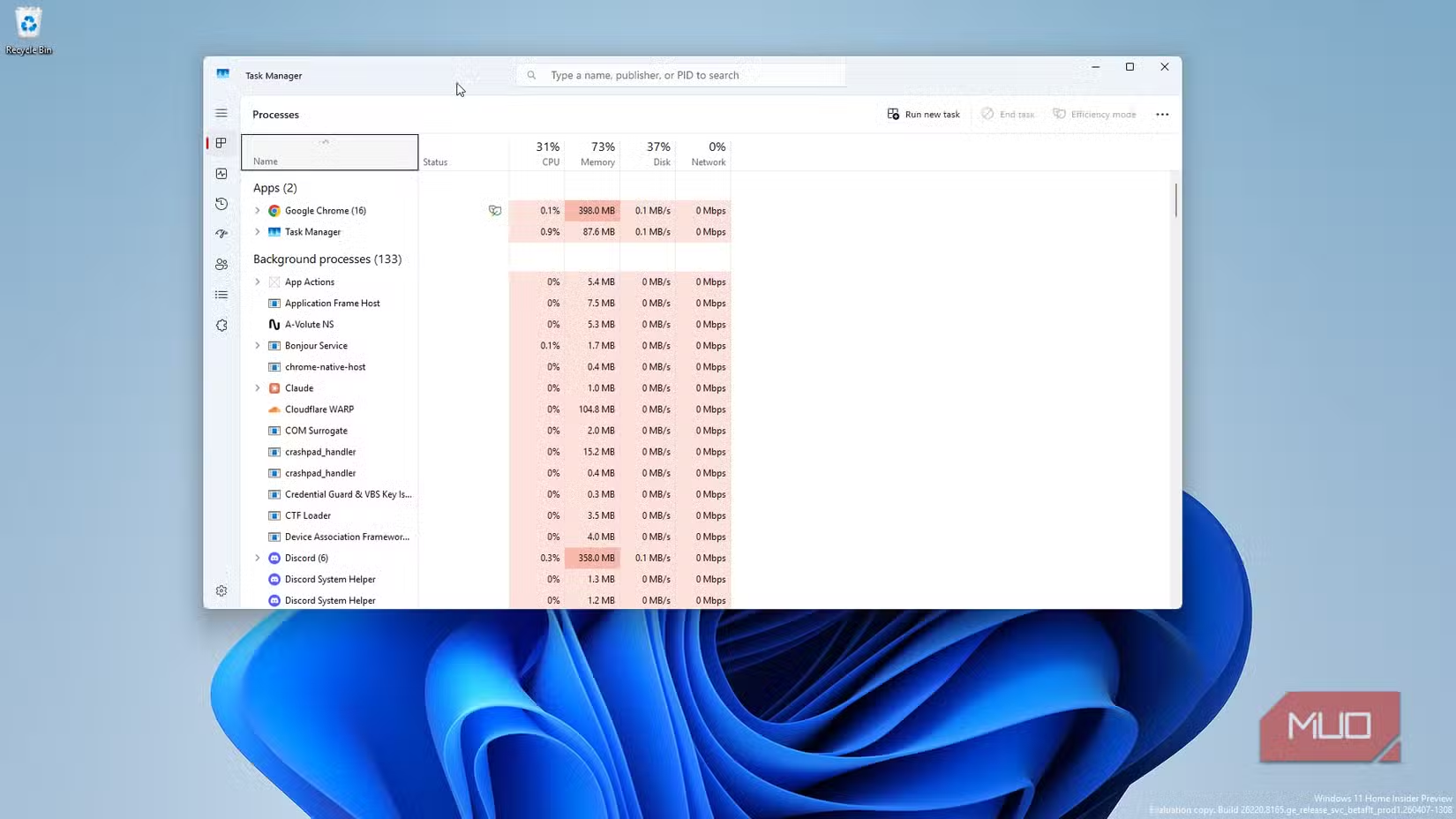
Ctrl+Alt+Delete is one of the most famous PC keyboard shortcuts, primarily used to open the Windows Task Manager. This tool is essential for force‑closing frozen apps, checking system performance, monitoring background processes, and terminating them — for example, when Windows Runtime Broker spikes your CPU usage. At a glance, you can see CPU, memory (RAM), disk usage, and more. Many users rely on Task Manager as a performance benchmark and a way to better understand their operating system.
But maybe you shouldn’t take those numbers at face value. According to Dave Plummer, a former Microsoft operating system engineer who originally created Task Manager, the tool may be “lying” about performance figures. The issue lies in how the application polls data.
As Plummer explains, measuring CPU and system resource usage is complicated. “Either the CPU is busy, or it’s not, right? It’s silicon, not interpretative dance.” Yet despite common belief, that’s not actually how it works. More context is needed to understand why the CPU is busy. “The first uncomfortable question is ‘Busy doing what, exactly?’” How many cores are in use? What is the average resource consumption during the polling period? Plummer also asks whether the CPU is busy due to deferred procedure calls, the idle loop, or “some weird accounting bucket” because “the scheduler needed somewhere to hand the bill.”
Plummer reveals that Task Manager measures resource usage over time, refreshing at various intervals to update the statistics. It does not show real‑time stats, and it is not “a simple speedometer” but rather “more like forensic accounting.”
So What Is Task Manager Actually Showing You?
Programmatically, Task Manager requests the runtime of each process since it launched (the sum of user and system kernel time) and subtracts the last total received from the previous refresh to determine CPU consumption. Then it divides that consumption value by the total CPU time across all refreshes. Taken as is, this provides an accurate representation of a process’s power consumption over that period. However, because technology has advanced so much since Task Manager was first introduced, the numbers can feel inaccurate. What you’re seeing is an average, not the exact amount of resources consumed at that very instant. It’s also not always the most up‑to‑date second‑by‑second view.
Plummer attributes this discrepancy to improvements in modern CPUs. He suggests thinking of it as “how full the freeway was” rather than miles traveled. If the freeway is packed with traffic, a vehicle takes longer to pass. The type of vehicles also influences speed. On a half‑full freeway, sports cars “can move a lot more traffic” than semi‑trucks. CPU features like turbo boost, thermal throttling, and dynamic frequency scaling make the freeway “a lot looser.”
When the numbers feel incorrect, it’s not because Task Manager is broken or ineffective. Rather, “the hardware stops being simple enough for a single percentage to tell you the whole story.” You’re getting an average calculated over a short period, not exact real‑time numbers. Still, it remains a fairly good indication of how many resources each process is using.


