

Thread Border Router Explained: The Key to a Matter-Ready Smart Home
Why Thread and Matter Are Revolutionizing Smart Homes
If you own, research, or manage a significant number of smart home devices, you have almost certainly encountered the term Thread. Thread is a low-power wireless networking protocol that enables smart-home devices to communicate directly with one another in a self-healing mesh network. When combined with Matter—the universal application layer that allows devices from different brands to interoperate seamlessly—Thread effectively reduces the necessity for dedicated, proprietary smart home hubs.
In fact, industry experts and tech enthusiasts increasingly recommend building smart homes exclusively around Thread-enabled equipment to ensure long-term compatibility and future-proofing. However, while Thread devices communicate flawlessly within their own mesh, they require a specific bridge to interact with external networks like Wi-Fi or Ethernet. This is precisely where the Thread Border Router (TBR) comes into play.
What Exactly Is a Thread Border Router (TBR)?
A Thread Border Router (TBR) serves as the critical gateway that links a Thread mesh network to an external IP-based network, such as your home’s Wi-Fi or wired Ethernet. Its primary function is bidirectional data translation and routing, allowing your Thread devices to be controlled remotely via a smartphone, PC, or cloud service connected to your local network.
To illustrate:
-
Without a TBR: Your Thread light bulbs and sensors can talk to each other, but you cannot control them from your phone when you are not directly on the Thread network.
-
With a TBR: You gain full remote access, enabling app-based control, voice assistant integration, and over-the-air updates for all your Thread-enabled gadgets.
TBR vs. Thread Router vs. Wi-Fi Router: Understanding the Differences
The terminology can be confusing, so it is essential to distinguish between three distinct but complementary roles:
| Device Type | Primary Function | External Connectivity |
|---|---|---|
| Wi-Fi Router | Creates and manages your home’s general-purpose Wi-Fi network for laptops, phones, and standard IoT devices. | Yes (broadband/WAN). |
| Thread Router | Manages data routing and connection maintenance within the Thread mesh itself. Does not connect to outside networks. | No (internal only). |
| Thread Border Router (TBR) | Acts as the “ambassador” for the Thread mesh, bridging it to Wi-Fi or Ethernet networks. | Yes (external IP networks). |
In short: a Thread Router handles internal traffic, while a Thread Border Router handles external communication between the Thread mesh and the wider internet or local Wi-Fi.
How to Check If You Already Have a Thread Border Router
One of the most common questions users ask is: “Do I already own a TBR without realizing it?” The answer is often yes. Many modern smart home hubs and Wi-Fi systems come with built-in TBR functionality.
Step-by-Step Verification Guide
1. Check Your Smart Home App or Device List
Look for a hub, speaker, or router that explicitly mentions Thread or Matter over Thread in its specifications. Common examples include:
-
Apple: HomePod mini, HomePod (2nd generation).
-
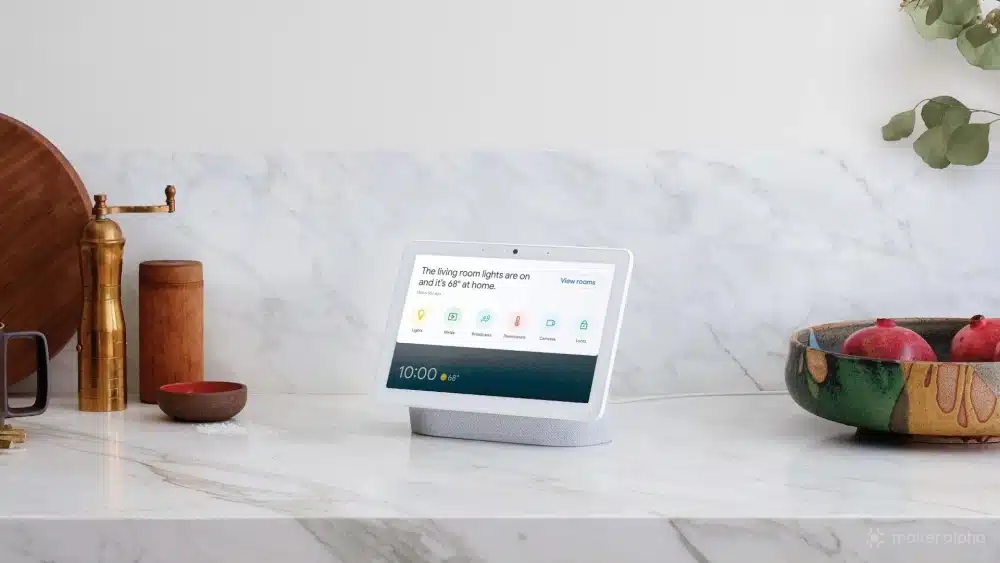
Google: Nest WiFi Pro, Nest Hub (2nd gen).
-
Samsung: SmartThings Hub (2018 or later).
-
Other: Eero Wi-Fi routers (with Thread support), Nanoleaf Shapes, and certain Eve devices.
2. For Apple Users (Home App)
If you are in the Apple ecosystem:
-
Open the Home app on your iPhone or iPad.
-
Navigate to Home Settings > Home Hubs & Bridges.
-
If any of your hubs (e.g., HomePod mini) are listed, they are actively serving as a TBR for your Thread network.
3. For Google and SmartThings Users
-
Check the device details within the Google Home or SmartThings app under the “Devices” or “Hubs” section. If the device supports Thread routing, it will typically be labeled as a Thread-capable hub.
The Power of Redundancy: Multiple TBRs and Automatic Failover
A significant advantage of the Thread protocol is its built-in redundancy and failover mechanism. Many Thread devices—especially border routers—can automatically assume the TBR role if the primary one becomes unavailable.
How it works:
-
If your primary TBR (e.g., HomePod mini) loses power or network connectivity, another TBR device on the same network (e.g., a second HomePod or a Thread-enabled Wi-Fi router) can instantly take over the bridging function.
-
This seamless handoff ensures that your Thread mesh remains connected to the external network with zero manual intervention, guaranteeing uninterrupted smart home operation.
Why TBRs Don’t Require Bulky Additional Hardware
Unlike older Internet of Things (IoT) protocols, which often required dedicated gateway boxes to translate IP-based packages into device-specific languages, Thread is natively IP-based. This means that Thread devices speak the same fundamental networking language as Wi-Fi and Ethernet.
Key Implication:
-
TBR functionality can be embedded directly into existing devices (smart speakers, routers, and displays) without requiring bulky, power-hungry translation hardware.
-
This streamlined integration is why manufacturers can easily add TBR capabilities to compact devices like the HomePod mini or Google Nest WiFi Pro, enabling a cleaner, more energy-efficient smart home ecosystem.
Final Thoughts: Future-Proofing Your Smart Home with Thread
Thread and Matter represent the most significant leap forward in smart home interoperability and reliability in recent years. By understanding the pivotal role of the Thread Border Router, you can make informed purchasing decisions, avoid unnecessary hubs, and ensure your home automation setup remains robust and scalable for years to come.
Whether you are building a new smart home from scratch or upgrading an existing one, prioritize devices with built-in TBR capabilities. Not only will you enjoy a more responsive and resilient mesh network, but you will also benefit from automatic failover and seamless integration across all your favorite platforms—from Apple and Google to Samsung and beyond.


