

How to Reset Any AirPods Model: Fix Connectivity Issues and Prepare for Sale
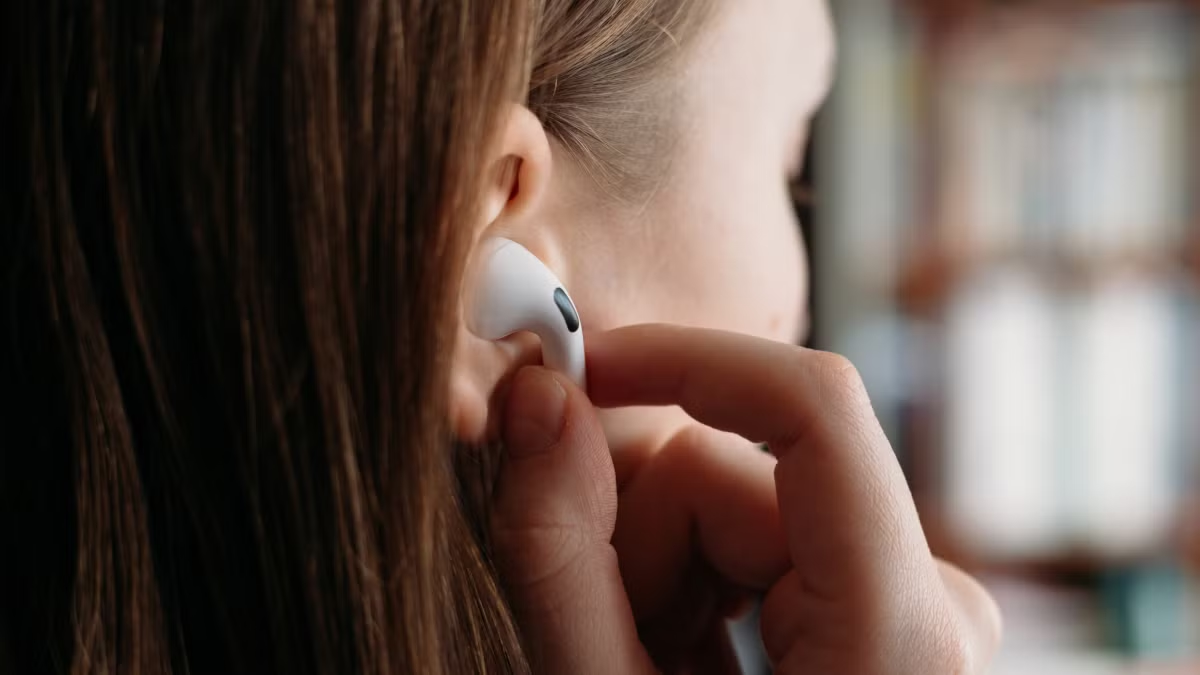
If your AirPods won’t connect, keep disconnecting, or you’re planning to sell them, a factory reset is often the fastest fix. Resetting removes saved Bluetooth connections and returns them to default settings, allowing you to set them up like a brand‑new pair. Apple has updated its reset instructions for newer models, including AirPods 4 and AirPods Pro 3. This guide covers every AirPods model, what happens during a reset, how to remove them from your Apple ID before selling, and troubleshooting steps.
Important: A reset does not remove AirPods from your Apple ID or Find My. For selling or gifting, you must manually remove them to avoid Pairing Lock.
When to Reset AirPods
-
AirPods won’t connect to iPhone, iPad, Mac, Android, or Windows devices
-
Random disconnects during calls or music
-
One AirPod has no sound
-
Wrong device name appears
-
Bluetooth pairing issues
-
Problems after switching Apple Accounts
-
Preparing for sale or gifting
Method 1: Reset AirPods (1st, 2nd, 3rd Generation)
For models with a physical setup button on the charging case.
-
Charge case and AirPods to at least 50%.
-
Place both AirPods in the case, close the lid for 30 seconds.
-
Open the lid.
-
Press and hold the setup button on the back for about 15 seconds.
-
Release when the status light flashes amber → white.
-
Close the lid. Your AirPods are now reset.
Method 2: Reset AirPods Pro (1st, 2nd, 3rd Generation)
Follow the same steps as standard AirPods (setup button on case).
-
Place both earbuds in the case, close lid for 30 seconds.
-
Open lid, press and hold the setup button.
-
Hold until light flashes amber then white, then release.
Method 3: Reset AirPods 4 (No Physical Button)
Uses a touch‑based reset on the charging case.
-
Place AirPods in case, close lid for 30 seconds.
-
Open lid.
-
Double‑tap the front of the case → wait for white flash.
-
Double‑tap again → wait for faster flash.
-
Double‑tap a third time → light flashes amber then white.
-
Reset complete.
Method 4: Reset AirPods Max
Uses onboard buttons (no charging case).
-
Charge to at least 50%.
-
Press and hold the Noise Control button and Digital Crown simultaneously.
-
Hold for about 15 seconds.
-
Release when the LED near the charging port flashes amber then white.
How to Pair AirPods After Reset
-
iPhone/iPad: Open case near device → tap Connect.
-
Mac: System Settings > Bluetooth → select AirPods → Connect.
-
Android/Windows: Bluetooth settings → pair as usual.
Method 5: Remove AirPods From Apple ID Before Selling
Resetting alone does not remove them from your account.
On iPhone/iPad:
-
Settings > Bluetooth → tap (i) next to AirPods → Forget This Device.
On Mac:
-
System Settings > Bluetooth → (i) → Forget This Device.
Via Find My:
-
Open Find My app → select AirPods → Remove This Device.
This prevents the next owner from seeing “AirPods linked to another Apple Account.”
Troubleshooting: AirPods Won’t Reset
-
Fully charge case and AirPods.
-
Clean charging contacts with a soft, dry cloth.
-
Remove old Bluetooth connections (Forget on all devices).
-
Update device software (iOS, macOS, Windows, Android).
-
Reduce wireless interference – move to another room.
-
Contact Apple Support if still unresponsive.
FAQs
Does resetting delete personal data?
No. AirPods don’t store music, messages, or files – only pairing info.
Does reset remove them from Apple ID?
No. You must manually remove via Find My or Bluetooth settings.
Why won’t my AirPods reset?
Low battery, dirty contacts, outdated software, or existing Bluetooth connections.
Can I reset without the charging case?
Only AirPods Max (onboard buttons). All other models require the case.
What does a flashing white light mean?
Ready to pair with a device.
Summary
-
AirPods 1/2/3 & Pro: Physical setup button on case (hold 15 sec).
-
AirPods 4: Triple double‑tap on case.
-
AirPods Max: Hold Noise Control + Digital Crown (15 sec).
-
Reset fixes most connection and audio issues.
-
Always remove AirPods from Apple ID before selling.
-
Charge and clean if reset fails.
Conclusion
Knowing how to reset your AirPods solves most connectivity and pairing problems in minutes. Whether you’re troubleshooting, setting up a new device, or preparing for a new owner, use the correct method for your model. Remember: a factory reset does not remove Pairing Lock – always remove AirPods from your Apple Account before selling or giving them away.


