

How to Open Keynote Files on a Windows PC (3 Simple Methods)
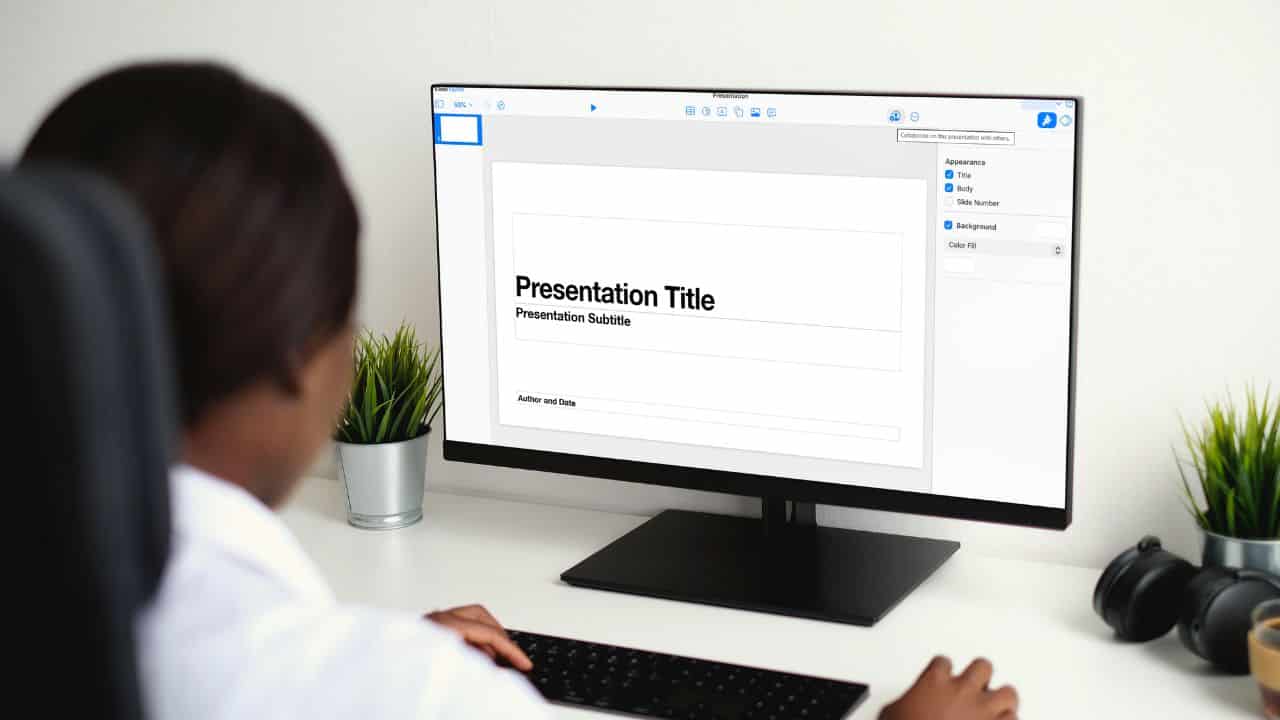
Receiving a Keynote file (with a .key extension) on a Windows PC can feel like a dead end. While Keynote is Apple’s native presentation software, you don’t need a Mac to view or edit these files. Several straightforward methods allow you to open them directly on your Windows computer.
Here are the three best ways to access Keynote presentations on a PC.
Method 1: Use Keynote for iCloud (The Official & Best Way)
This is Apple’s own web-based solution and the most reliable method for preserving animations, transitions, and formatting.
-
Go to icloud.com in your web browser (Chrome, Edge, or Firefox work best).
-
Sign in with your Apple ID. (If you don’t have one, you can create it for free).
-
Click on the Keynote icon.
-
To upload your file, click the Upload button (a cloud with an arrow) or simply drag and drop your
.keyfile into the browser window. -
Once uploaded, click on the presentation to open, view, and even edit it directly in your browser.
Why it’s great: It’s free, official from Apple, and maintains the full integrity of the original design.
Method 2: Ask the Sender to Export a Compatible Format
The easiest solution often involves the sender. If possible, ask the person with a Mac or iPhone to export the file for you.
They can do this by:
-
Opening the file in Keynote.
-
Going to File > Export To and choosing PowerPoint or PDF.
-
Sending you the resulting
.pptxor.pdffile, which you can then open natively on Windows with Microsoft PowerPoint or any PDF reader.
Method 3: Convert the File Online (Use with Caution)
If you already have the file and the sender is unavailable, you can use an online file conversion service.
-
Search for a reputable online converter like CloudConvert or Zamzar.
-
Upload your
.keyfile. -
Choose PowerPoint (.pptx) or PDF as the output format.
-
Download the converted file to your PC.
Important Security Note: Be cautious when uploading sensitive or confidential presentations to third-party websites. Always use a reputable service and avoid files containing private data.
FAQ
Q: Can Microsoft PowerPoint open a .key file directly?
A: No. PowerPoint cannot natively open Keynote’s .key format. You must first convert the file to a .pptx using one of the methods above.
Q: Is Keynote for iCloud really free?
A: Yes. All you need is a free Apple ID to use the web-based version of Keynote.
Q: Which method preserves animations best?
A: Keynote for iCloud is the only method that will accurately display all original animations, transitions, and fonts, as it is the actual Keynote software running in your browser.
Summary: Your Quick Guide
| Method | Best For | Pros | Cons |
|---|---|---|---|
| Keynote for iCloud | Full fidelity & editing | Official, free, preserves all effects | Requires Apple ID & internet |
| Sender Exports File | Ease & security | Perfect format compatibility | Requires sender’s cooperation |
| Online Conversion | Quick self-service | Works without sender | Potential security risk, may lose formatting |
By using one of these methods, you can effortlessly open and view any Keynote presentation on your Windows PC, ensuring seamless collaboration between different platforms.


