Fixing the “Multiplayer Is Not Installed” Error in Battlefield 6
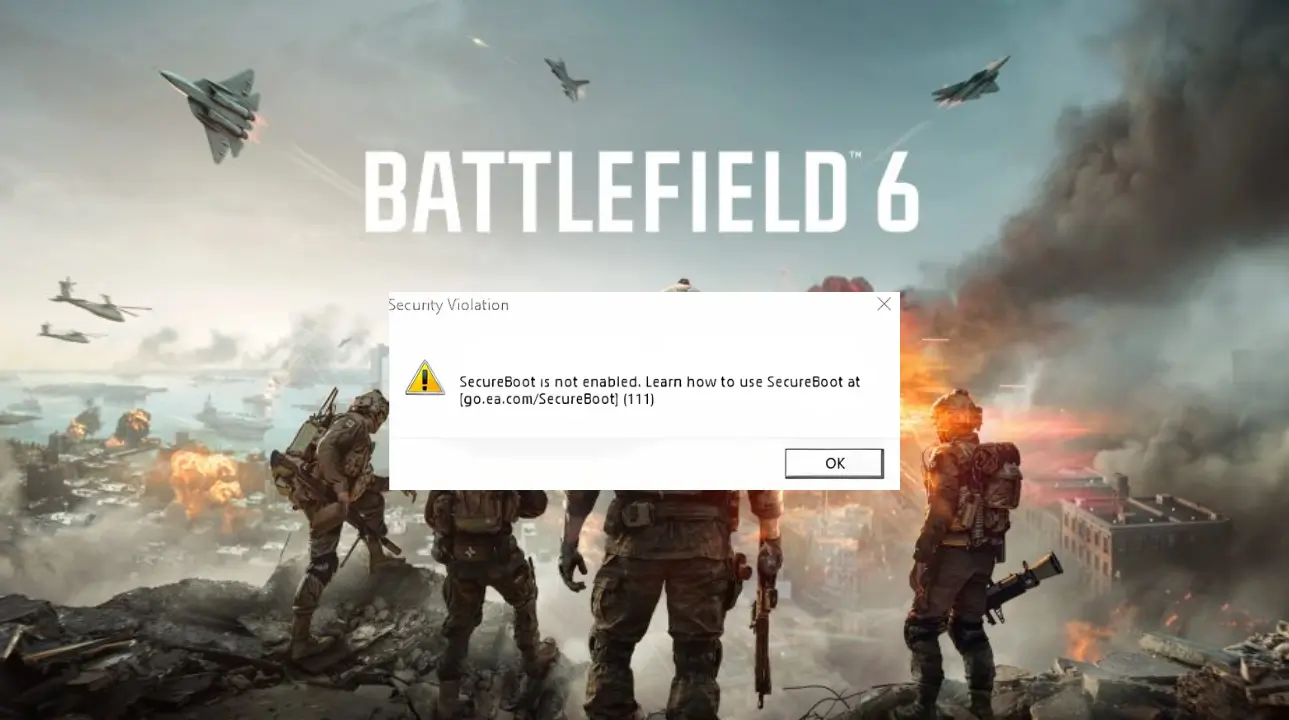
Battlefield 6 immerses players in large-scale warfare with its Kinesthetic Combat System, combined-arms battles, and dynamic environments. However, a common “Multiplayer is not installed on your system. Reinstall to begin playing” error can block access to the core online experience. This guide provides effective solutions to resolve this issue without necessarily requiring a full reinstall.
Understanding the Error
This error typically occurs when the game client fails to recognize the installed multiplayer component. It is often a glitch with the game’s file management or a problem with the platform launcher (EA App or Steam), rather than the files actually being missing.
Solution 1: The Quick Server Join Bypass
Many players have successfully bypassed the error using this in-game method:
-
In the Battlefield 6 main menu, go to the “Community” tab.
-
Select “Browse Servers” and find a server you want to join.
-
With the server highlighted, press the “X” key on your keyboard (for PC).
-
Immediately after, rapidly click the “Join Server” button several times.
This can trick the game’s initial verification check and allow you to connect.
Solution 2: Verify Game Files (Most Effective Solution)
The most reliable fix is to verify the integrity of your game files through your game launcher. This checks for corruption and re-downloads any missing files.
-
On the EA App:
-
Go to your Library.
-
Click on the three dots (…) under Battlefield 6.
-
Select “Repair” and wait for the process to complete.
-
-
On Steam:
-
Right-click Battlefield 6 in your Steam Library.
-
Go to Properties > Installed Files.
-
Click “Verify integrity of game files.”
-
Solution 3: Manage Game Installation (EA App Specific)
Some clients allow you to manage components. Ensure the multiplayer part is selected for installation.
-
In the EA App, find Battlefield 6 in your library.
-
Click “Manage” > “Manage Add-ons.”
-
Ensure the checkbox for the Multiplayer component is enabled. If it was unchecked, the app will download the necessary files.
Solution 4: Clear Platform Cache (EA App)
A corrupted cache can cause various installation errors.
-
Close the EA App completely.
-
Press Windows Key + R, type
%appdata%, and press Enter. -
Find and delete the “EA Desktop” folder.
-
Restart the EA App and log back in.
Summary
The “Multiplayer is not installed” error in Battlefield 6 is usually a verifiable glitch. Before attempting a lengthy reinstall, try the quick server bypass and then repair the game files through your launcher. This method resolves the issue for the vast majority of players, allowing you to return to the ultimate modern warfare experience.