Fixed: How to Restore Missing Apps After the iOS 26 Update
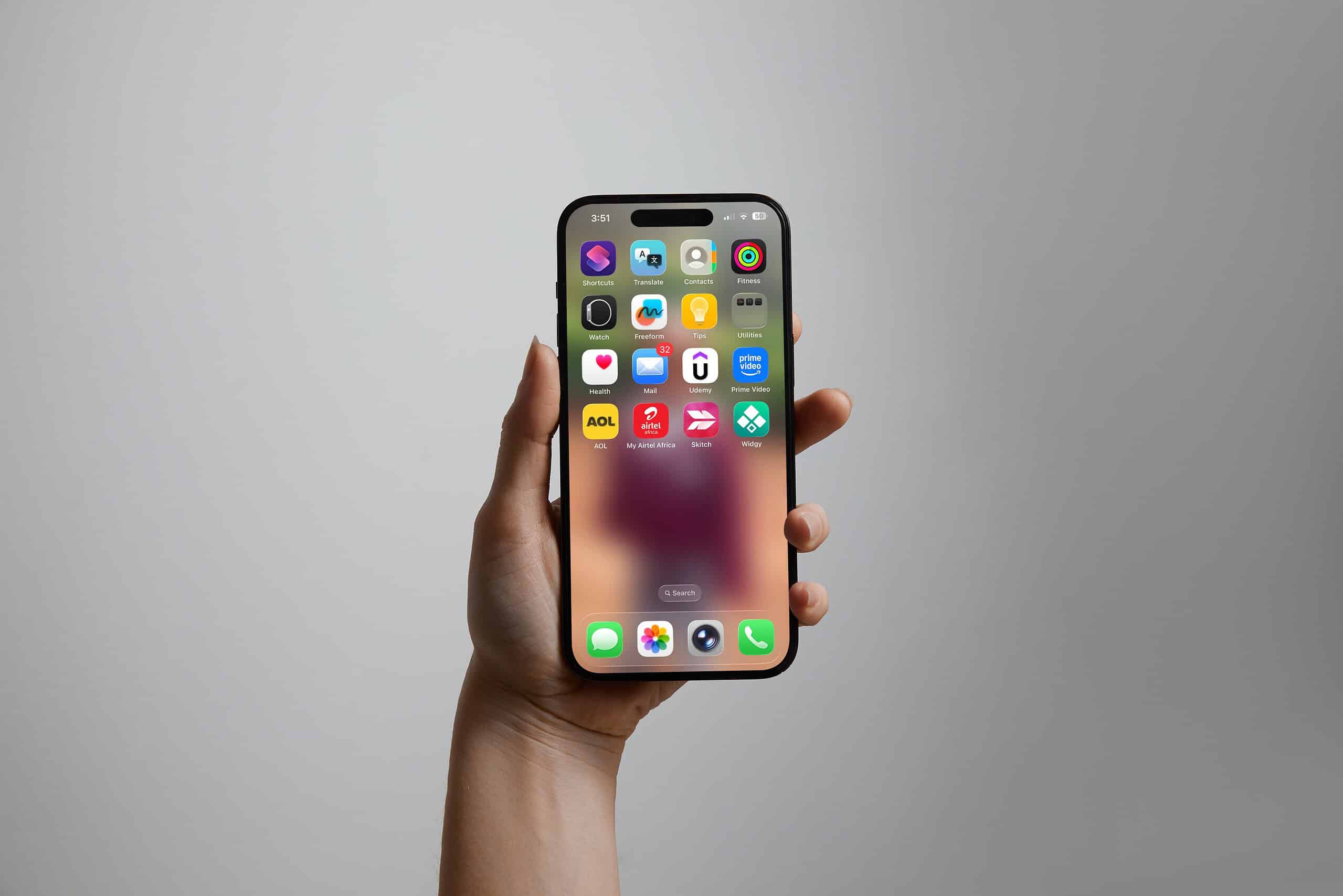
The iOS 26 update brought new features, but many users found applications suddenly missing from their Home Screen. This is typically not a deletion issue, but a visibility problem often triggered by a stricter enforcement of Screen Time restrictions after the update. If your apps have vanished, here are the most effective ways to get them back.
1. Check Screen Time Age Restrictions
A primary cause is that iOS 26 may be more rigorously applying age ratings from the Content & Privacy Restrictions menu.
-
Action: Go to Settings > Screen Time > Content & Privacy Restrictions. Enter your passcode, then tap Apps and select a higher age rating (e.g., 18+).
2. Unhide Home Screen Pages
Sometimes, an entire page of apps can be accidentally hidden.
-
Action: Touch and hold an empty area on your Home Screen until the icons jiggle. Tap the row of dots at the bottom. Ensure every page has a checkmark underneath it. If one is unchecked, select it to make that page visible again.
3. Find Apps in the App Library
Your apps are likely still installed but only visible in the App Library.
-
Action: Swipe left past your last Home Screen page to open the App Library. Use the search bar or browse the categories to find your missing app. Touch and hold its icon and select Add to Home Screen.
4. Reset All Settings
This can resolve deeper software glitches causing the issue without erasing your personal data.
-
Action: Navigate to Settings > General > Transfer or Reset iPhone > Reset > Reset All Settings. This will not delete your photos or apps but will reset Wi-Fi passwords and display preferences.
5. Reset Home Screen Layout
This final step will restore your Home Screen to its default, alphabetical layout, which often forces missing icons to reappear.
-
Action: Go to Settings > General > Transfer or Reset iPhone > Reset > Reset Home Screen Layout.
FAQ
-
Are my apps deleted? No, they are almost certainly still installed and can be found in the App Library.
-
Could Focus Mode be the cause? Yes, check if an active Focus Mode is configured to hide specific app pages.
By methodically working through these steps—starting with Screen Time restrictions and hidden pages—you can quickly restore your missing applications and regain full control of your iPhone’s interface.